In short
- My phone dubbed English YouTube videos in Korean, but the screen had to stay on the whole time.
- I added a ⭐ save button (with a short summary) and a button that makes one Korean MP3 for the whole video on my NAS, using
edge-ttsandffmpeg. It plays from the lock screen.- An hour of talk becomes about 20 MB. The first build broke in two ways, and I explain both.
- Cost: $0 for the voice and the NAS work. The summary and translation use DeepSeek, and I have no clean per-hour figure.
The Need
My app plays a Korean voice over an English YouTube video. It works on one phone, with the English muted. But the page has to run the video, so the screen must stay on. The battery drains, the phone gets warm, and I cannot put it in my pocket and walk.
I also had a second problem. When I found a talk that was worth hearing again, I had no way to keep it. I had the address in a chat somewhere, and nothing else.
The Proof
Now I tap ⭐ on a video. The app saves the address and writes a short summary and tags. All saved videos appear in a list I can search.
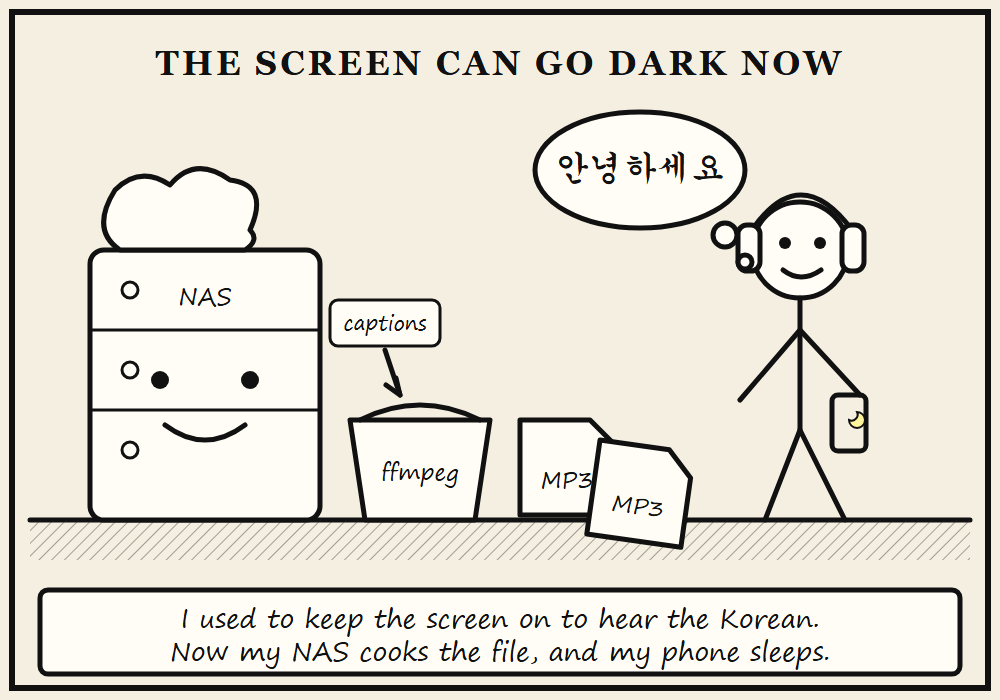
On a saved video I tap “make a listen file.” A progress bar runs on the page, and a few minutes later a play link appears. I open it and press play. The screen goes dark, and the Korean voice keeps going. The lock screen shows the title and the play, back, and forward buttons. There is a sleep timer and a speed control, and the player remembers where I stopped.
The Story
I asked for this in my own words on November 21:
💬 Prompt that worked “In script mode, when a video looks like good content, I want to save its address and a short description so I can find it again. Also, I have to keep the phone screen on, which is inconvenient. To watch with the screen off, we could save only the captions and play them as audio, or save captions and video.”
I did not want to save videos, so I chose the first idea: the captions are already text, so I can turn the Korean translation into an MP3. Claude laid it out as two stages, and I asked for both.
It did not work on the first try. Two things went wrong.
- “Unexpected token ‘<’” and “could not save.” The phone showed these two errors, one for each new button. Both had one cause. The phone expected JSON and got an HTML page. The new code was on the NAS, but I had not rebuilt the containers, so the old nginx did not know the new addresses and returned its default page. After
docker compose up -d --build, both worked. - A rebuild that kept stopping. That day I had also moved the NAS to a new router. I started the build over SSH in the background without refreshing
sudo, and the job stopped with a terminal signal (SIGTTOU). Runningsudo -vfirst and then a singlesudo nohup docker compose up -d --build cap web > log 2>&1 &fixed it.
The How
Here is the design, with the numbers.
Save. A new endpoint stores fav, a summary, and tags in the video’s JSON file on the NAS. The phone writes the summary itself by asking DeepSeek, so the NAS needs no key. Re-reading the captions does not erase them.
Make the file. The NAS service takes the saved Korean sentences and does this:
- For each sentence, ask
edge-ttsfor an MP3. The NAS keeps each one by hash. Three requests run at once. - Convert each MP3 to raw audio (24 kHz mono) with
ffmpeg. - Place each sentence at its caption time, and speed it up to at most 1.6x if it would run into the next sentence.
- Stream the result into one
libmp3lameencoder at 48 kbps. An hour is about 20 MB.
Only one file is built at a time, so the NAS never has two builds fighting for memory. A progress value goes back to the page.
Play. The player page uses a plain <audio> element and the MediaSession API for the lock screen. Position is stored per file in the browser.
Where it lives. In a Docker volume on the NAS, in /data/audio/. The file is not a copy on my phone, so I can open the same file from any device.
🗂 Claude.md Rule Store the audio’s metadata as
.meta, not.json. The caption index scans/data/*/*.json, and a.jsonnext to the audio would be read as a caption record.
🗂 Claude.md Rule A new endpoint needs two changes, in the app code and in
nginx.conf. If a page shows “Unexpected token ‘<’”, the server returned HTML. Check that the containers were rebuilt before debugging the code.
Cost: $0 for edge-tts, ffmpeg, and the NAS. DeepSeek is used for the translation and the short summary, and I have no clean per-hour figure.
What I’ll try next
- The file is built from the captions, so a video without captions cannot be turned into a file. I looked at speech-to-text on a lab server, but its free resources are too small right now.
- The voice service is unofficial, and I want a second voice option in case it changes.
- Old files are never deleted. At 20 MB an hour, I should add a cleanup before the volume fills up.