A pile of audio is a black box.
You know the teacher said something about a certain verse. You can almost hear it. But it’s somewhere inside hundreds of hours of recordings, in one lecture out of hundreds, at a point you can’t remember. Without a way to search, those recordings are write-only: you can keep adding to them, but you can never really get anything back out. The bigger the collection grows, the more it buries.
This is true of most audio libraries — podcast feeds, lecture archives, folders of old sermons. The content is all in there. You just can’t reach it.
In the last post I turned hundreds of recordings into clean, speaker-separated text. That was the goal. But the text gave me something I hadn’t planned on, and it became the part of this project I use most: search.
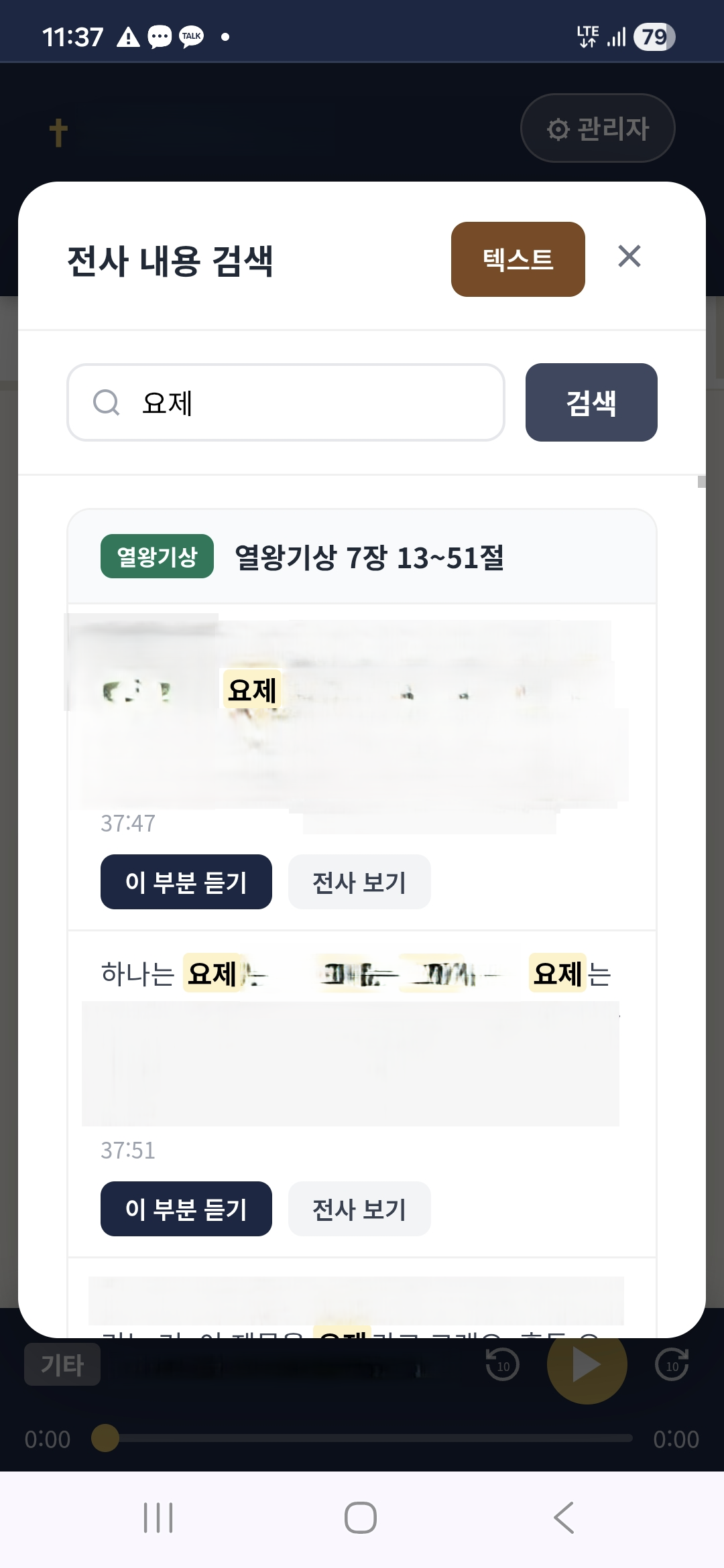
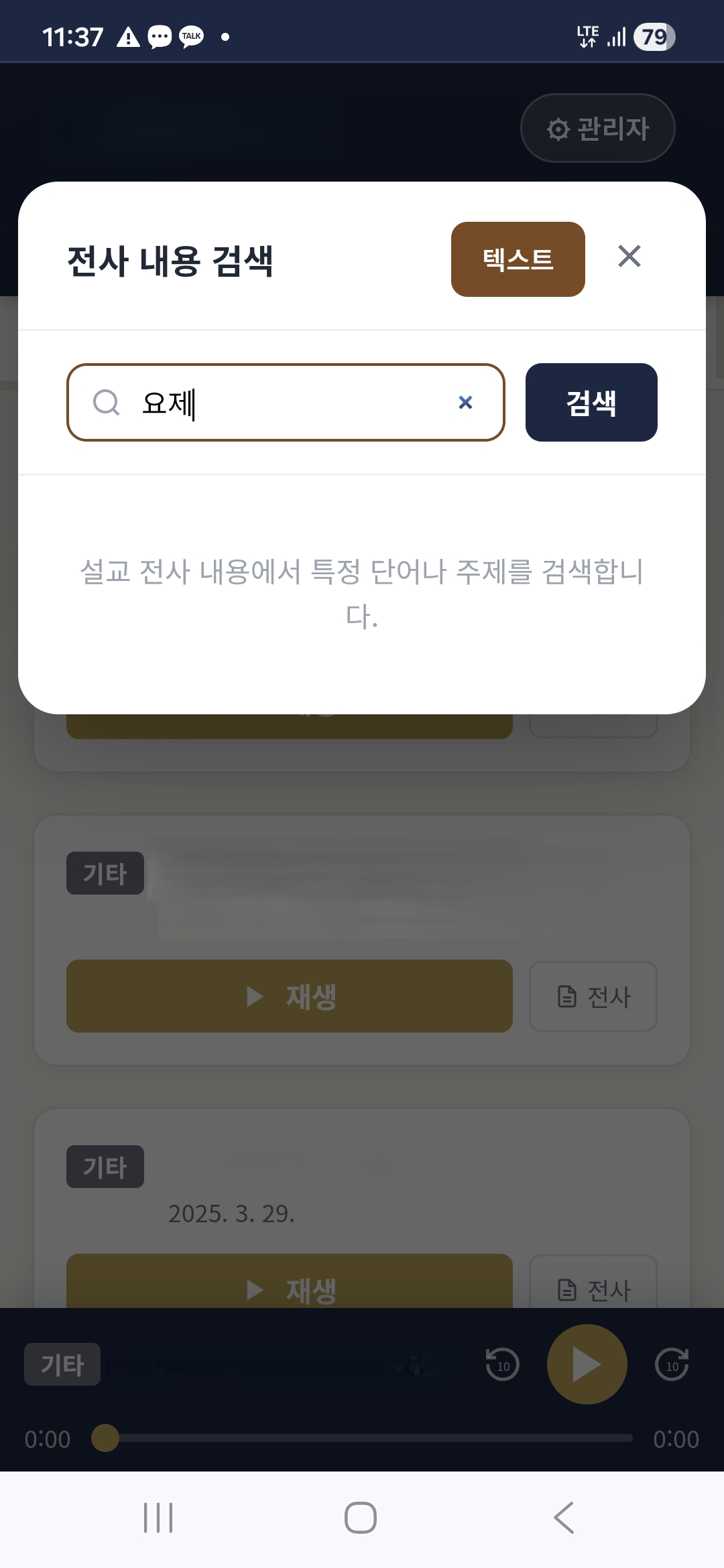
Type a word or a phrase, and you get every place across hundreds of recordings where the teacher said it. Each result is a line you can tap to jump the audio to that exact moment. The black box turns into a library with an index.
What It Feels Like to Use
My wife uses it like this. She’s studying a topic and remembers the teacher touching on it, but not where. She types a few words. A list appears: here, and here, and here, across different lectures and different years. She taps one, and the audio starts right at that sentence — not the start of a 90-minute file she’d have to scrub through.
What used to be impossible — “find me everywhere he talked about this” — now takes one line of typing.
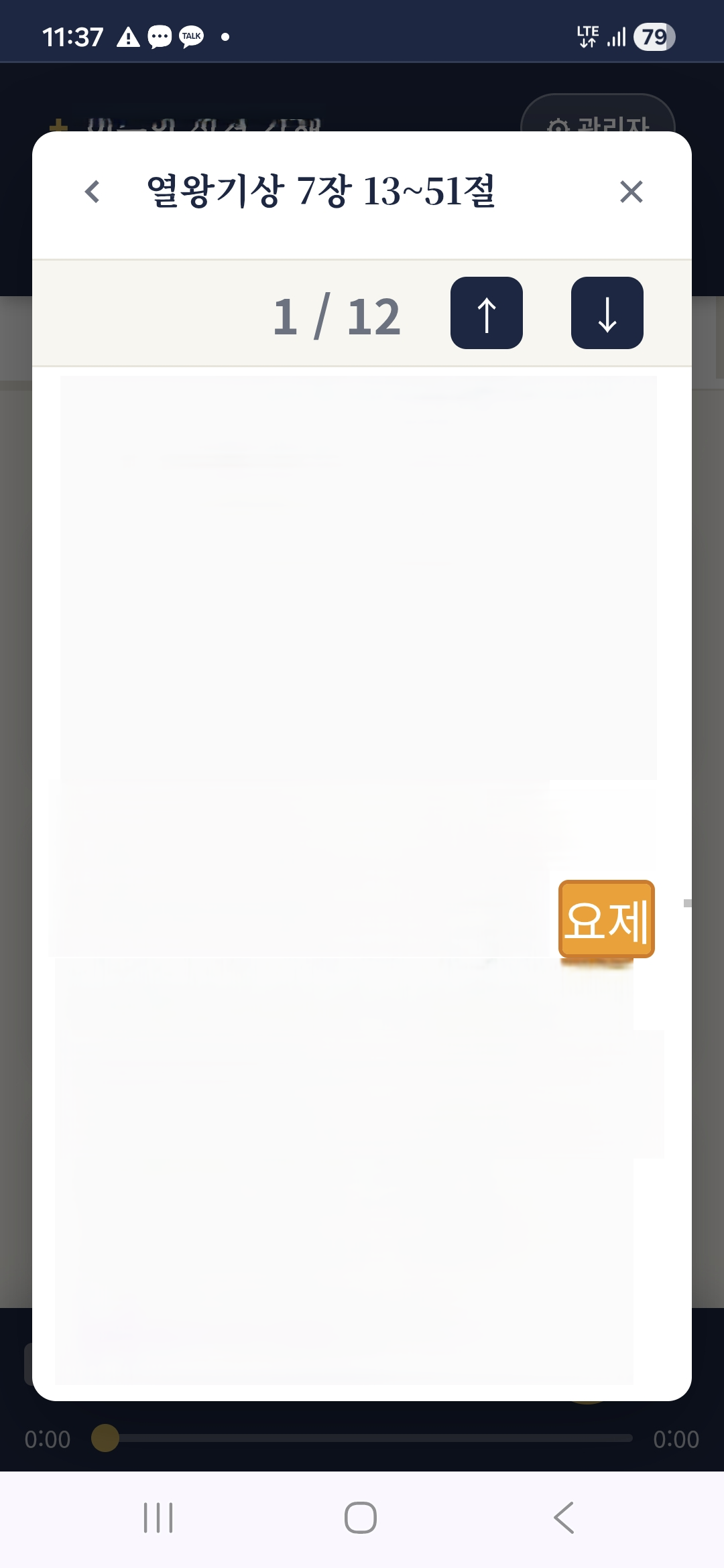
That changes the kind of thing the library is. It stops being a stream you play front to back. It becomes a reference you look things up in. The difference between listening and studying is a bit like the difference between a tape and an index. We’d had the tape for years. Now we have the index too.
How It Actually Works (The Honest Version)
I’m not going to dress this up, because what I like about it is how simple the idea is once the hard part is done.
The hard part was the transcription — turning speech into text, with speakers separated. I covered that last time, and it’s where the cost and effort went. But once you have text, three things fall into place:
- Every line of transcript has a timestamp. When the audio is transcribed, each piece of text knows when in the recording it was said — minute and second. The words and the moment are tied together.
- You search the text, not the audio. Searching audio directly is hard. Searching text is something computers have done easily for decades. So the app searches the transcripts — plain, fast text search — and finds every spot that has your words.
- Each match links back to the moment. Because every matched line knows its timestamp, the app gives you a list of results that each jump the player to that second. Tap a result and you’re listening to the sentence.
That’s the whole thing. Searching hundreds of hours of speech is really just plain text search, made possible by transcription. The transcripts are the bridge. Once that bridge exists, the search part is fairly simple — and Claude code wrote the code, the way it did for the rest of this project.
Why It Matters More Than the Audio Did
Here’s the part I didn’t see coming.
The recordings, on their own, are a record of the past — things already said, in order, fixed. Useful, but you take them as they come. Add search, and the same recordings become something you can put a question to today. You bring the question; the library finds the moment.
For a teacher who is eighty, that mattered more than I’d realized. His recordings were already a kind of legacy — but a legacy you’d have to listen to straight through, for hundreds of hours, hoping to land on what you needed. With search, his teaching becomes something a listener can look things up in. Decades of study, reachable with a question and a few seconds.
That’s when I realized this wasn’t just a convenience app for my wife anymore. Almost by accident, I’d made the thing that turns a man’s life of teaching into something searchable — something his listeners can keep using.
A Note on Keeping It Private
As with everything in this series: this is a private, password-protected app holding our own copies of recordings, for personal study. The search runs over our own transcripts, on our own server. None of it is republished. If you build something like this, do the same — the technique is what I’m sharing; the content is yours to keep private and to hold legally.
A Thread Through Everything I Build
If you’ve read my other posts, you’ve seen this idea before, because it runs through a lot of what I make: turn something into a searchable library. A folder of audio. A shelf of old recordings. A lifetime of teaching. The pattern is the same — transcribe it, index it, and an archive you couldn’t really use becomes one you can.
This particular library had a second copy, though. The point was never to keep it for myself; it was to give it away. And for that, I had to take the app I’d built and clone it onto a small tablet I could set down in someone else’s home.
That’s the next post: why I built the same app twice, and what it means to run the same engine for a different person.
If you’re following along, please subscribe.
Key Takeaways
- Without search, an audio library is “write-only” — you can add to it but never really find anything.
- Transcription is the unlock: once speech is text, plain fast text search becomes possible.
- Each transcript line has a timestamp, so a text match can jump the audio to the moment it was spoken.
- Searching hundreds of hours is really just text search built on top of good transcripts.
- Search turns a passive archive into something you can look things up in — the difference between listening and studying.
- Keep it private and legal: share the technique, not someone else’s content.