Part two covered the tool Claude and I built to manage lyrics and images per song. This part is about the actual picture-making — which took more trial and error than the tool itself did.
You’d never really used AI image generators before this. What changed?
Nothing had needed one. I’d poked at a couple out of curiosity, the way most people have, but nothing in my daily life depended on a generated image. Once I decided the song tab genuinely needed one picture per song — good enough that my daughter would want to look at it — that curiosity turned into something I had to get right.
How many different tools did you actually try?
More than I expected to need: Google’s nano banana image model, OpenAI’s image generator, Bing’s free image creator, ImageFX, Leonardo.ai, Ideogram, and Recraft.ai. I ended up settling on Dreamina for most of the final set.
Why Dreamina over the others?
Two reasons. It followed a detailed prompt more accurately than the others — when I described a specific scene, characters, a color mood, and asked it to leave space at the top for a title, it actually did all of that instead of ignoring half the instructions. And its free daily credit allowance was generous enough that I never felt pushed toward a paid plan. Same rule I’ve followed everywhere else in this project: if a free tier can do the job, don’t reach for a paid API.
What did the actual prompts look like?
💬 Prompt that worked The template I ended up using for most of the final set: “Cute flat vector cartoon illustration for a children’s nursery rhyme thumbnail, bright and colorful, toddler-friendly kids’ educational content style with thick clean outlines and soft shading. Main subject: [scene]. Characters: [animals from the song], [pose], with [expression]. Background: [setting]. Color palette: [mood]. Leave empty space at the top center for a title text banner. No text, no words, no letters, no typography anywhere in the image.”
That last instruction mattered more than any style keyword. Telling it explicitly to leave text out, and leave room at the top, is what let me add a clean bilingual title afterward instead of fighting garbled AI-generated lettering.
Did the style stay the same the whole time?
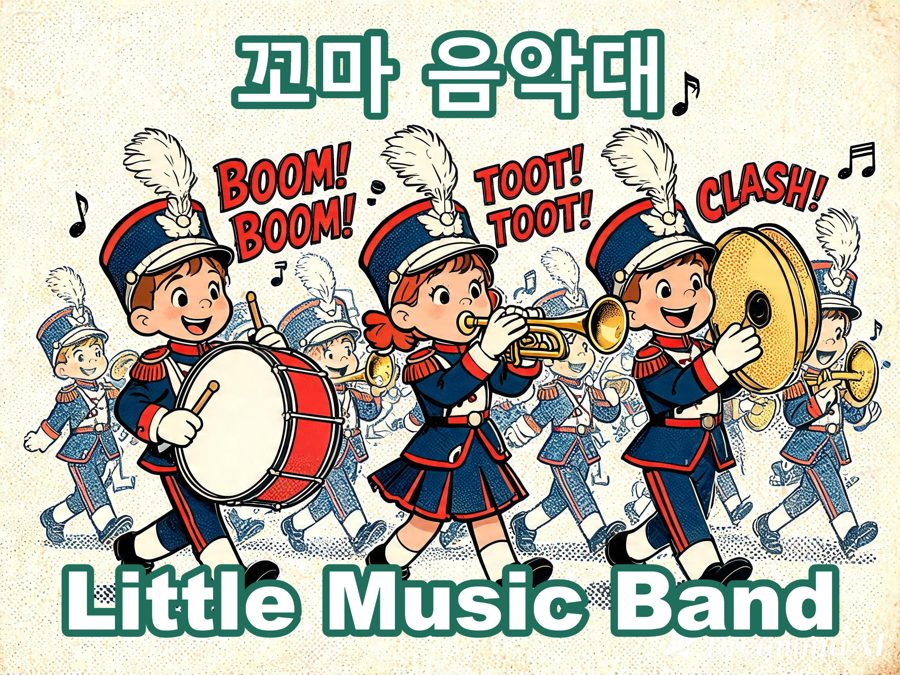
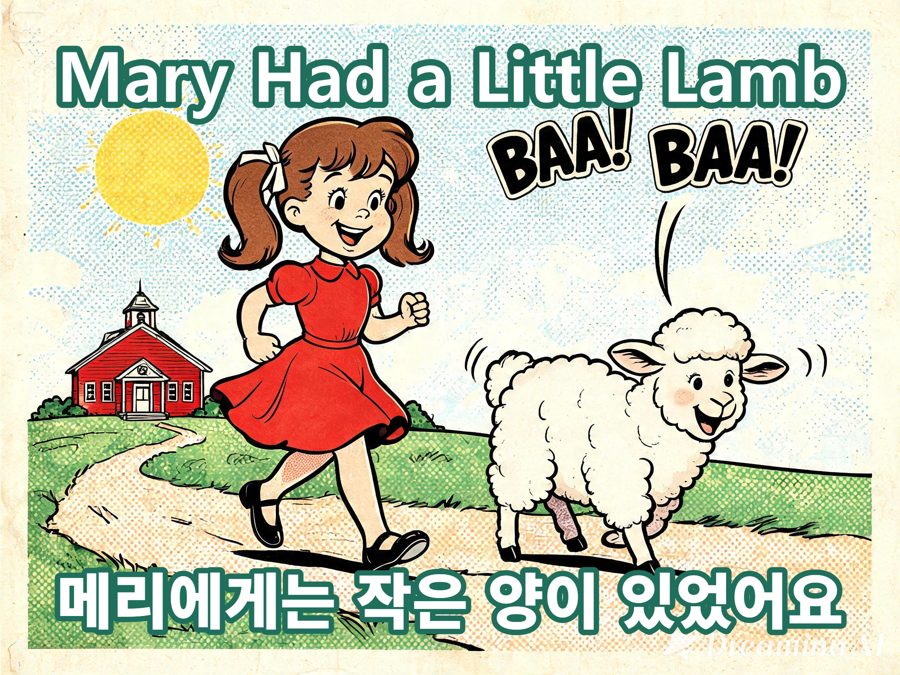
No, and looking back, it changed in an order I wouldn’t have guessed. I started plainly — matching the look of ordinary cartoon nursery-rhyme illustrations, one picture per song. Partway through, I got curious and tried something completely different on a handful of sets: a vintage American Sunday-newspaper comic strip look from the 1950s and 60s — thick black ink outlines, halftone dot shading, faded print colors. I liked it more than I expected to.
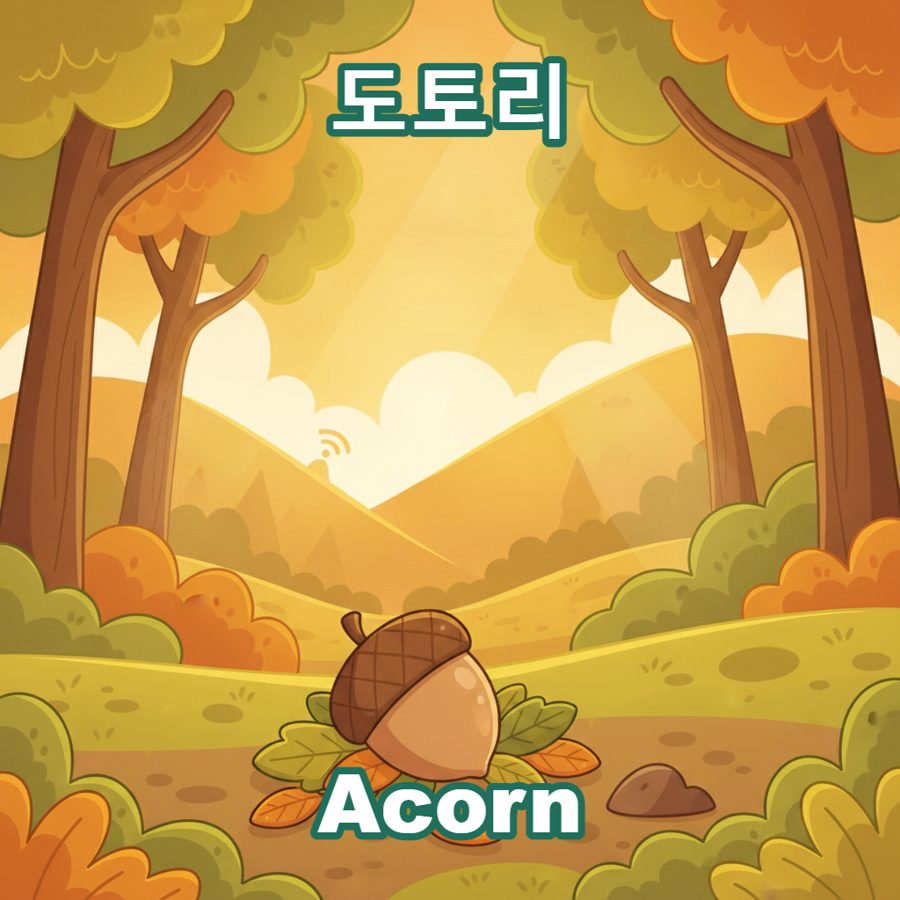
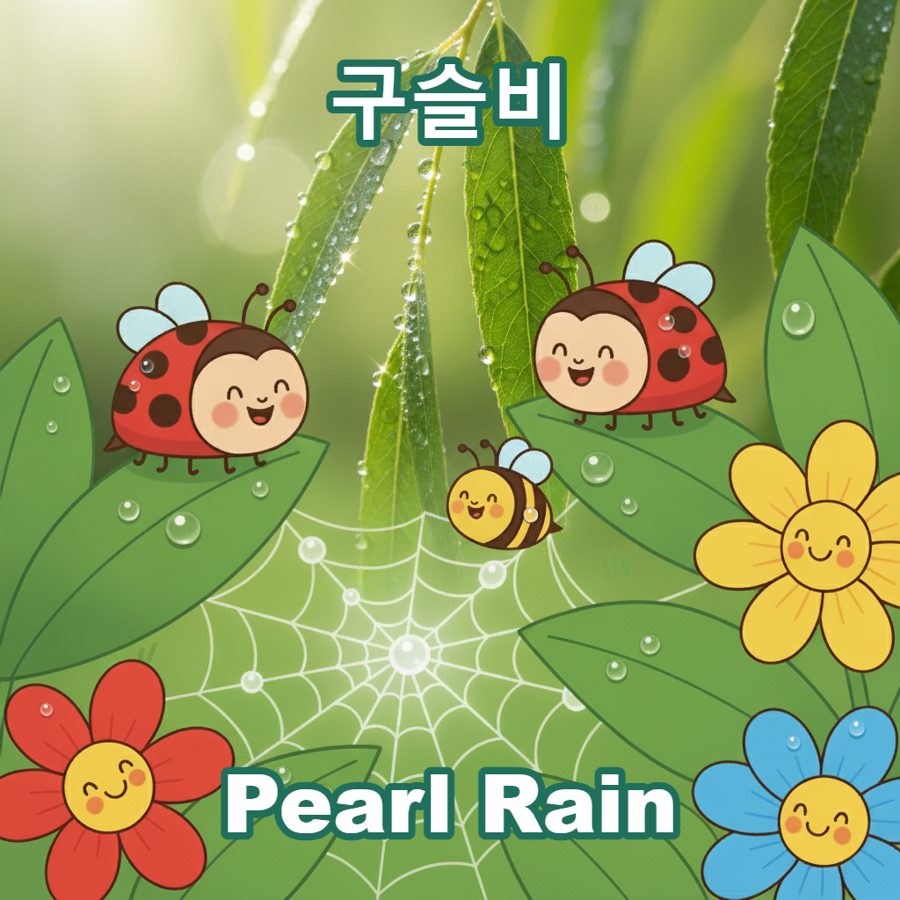
By the end, though, I settled on one consistent look for the pipeline going forward: flat, simple vector illustrations. Faster to generate, and they read better as small thumbnails on a phone screen, which matters more than looking impressive once you’re staring at a 70-pixel square.
A few examples, in the order I actually made them:
Any technical problems once the whole set existed?
One I didn’t see coming: the tab itself got slow to open. A page loading dozens of full-size images at once isn’t free. The fix was splitting sizes by where they’re used — small thumbnails for the song grid, a larger version only loaded when a song is actually opened full-screen, plus loading the next few thumbnails in the background before you scroll to them. Same lesson as everywhere else in this player: the bottleneck is never the idea, it’s always some boring detail like image size.
So the pictures were done. Was that the end of it?
Not quite. Once I had a working pipeline that could generate anything I described, a different question showed up — one that had nothing to do with code. That’s part four.