My daughter is three. She can’t read yet, which means for months there was a whole folder of songs in her Kids Player that only I could operate. She’d point at the tab, I’d scroll the list of titles, and she’d wait for me to land on the right one. She could listen to the songs. She just couldn’t choose one herself.
That’s a small thing, but it bothered me more than I expected. Everything else in her player — her audiobook sets, her story tab — she already drives on her own, by tapping a cover image. This one folder of family and folk songs was the exception, and the only reason was that it had titles instead of pictures.
Why a Picture Matters More Than It Sounds Like It Should
The easy fix would have been handing her a phone with a YouTube nursery-song channel open. Plenty of them already have moving pictures and don’t require reading. I didn’t want that, and not because video is dangerous — I just wasn’t in a hurry to get her used to a screen that scrolls into the next thing on its own, before she’s decided she’s done with the first one.
A still picture asks for something different. She looks at it, decides if it’s the one she wants, and taps it — one decision, made by her, not a feed pulling her forward. There’s an old idea in child development, from a psychologist named Jerome Bruner, that children this age understand the world through pictures before they’re ready for words and symbols at all. I didn’t set out to apply a theory — I just wanted her to be able to choose — but it’s basically describing exactly what a picture-first tab is for.
There’s a second piece to it, too. Letting her be the one who chooses, instead of me choosing for her, taps into something researchers call self-determination — the idea that people, three-year-olds very much included, engage more with something when they’re the one doing the choosing, not just receiving it. I noticed the effect before I knew there was a name for it: she doesn’t just listen to these songs now, she hunts for the one she wants.
Building the Picture Set
So the plan was simple: give this folder of 38 Korean folk and family songs the same picture-per-song front door her other tabs already had. The execution took longer than the plan.
For an earlier tab in this player, I’d used outside AI image tools — mostly Dreamina, after trying half a dozen others. That worked for a one-shot picture per song. This time I already knew I’d want to revise pictures after seeing them, so Claude and I built a small admin tool directly into the Kids Player server instead — papa-studio — that talks straight to Google’s Gemini image model (the one nicknamed “nano banana”) through the API. Generate a picture, look at it, type a plain-language revision if it’s not right, and the new version gets added next to the original. Nothing gets overwritten; the old version is just no longer the one shown, the same habit I already use for backups everywhere else in this project.
One honest gap: this runs on the paid Gemini API, not a free consumer tool, so unlike an earlier round of this project, this set isn’t free. I didn’t track usage closely enough while going back and forth on revisions to give a real total here — something I’d like to fix next time.
Two songs from the original folder of 38 aren’t below. One was built around a specific child’s name that isn’t my daughter’s, and I didn’t want a picture publicly tied to someone else’s kid. The other was our version of a very famous, heavily trademarked commercial song, and that felt better left off a public blog even though the picture itself is original artwork.
What She Actually Does With It
Better than I expected. This folder has become her favorite thing in the entire player, ahead of everything else right now. She still can’t read a single title. What she does instead is scan the pictures for pieces she remembers from songs I’ve actually sung to her at bedtime, and tap the one that matches. One song in particular — 오빠 생각, “Thinking of My Brother” — took five separate rounds of revision before the picture could carry that much detail, and what she does with it is its own story, in part three of this series.
Below is most of the folder — 36 of the 38 tracks, each one labeled with its English title and its original Korean name, since some of these — 아리랑, 학교종, 산토끼 — are songs practically every Korean grandparent grew up on.
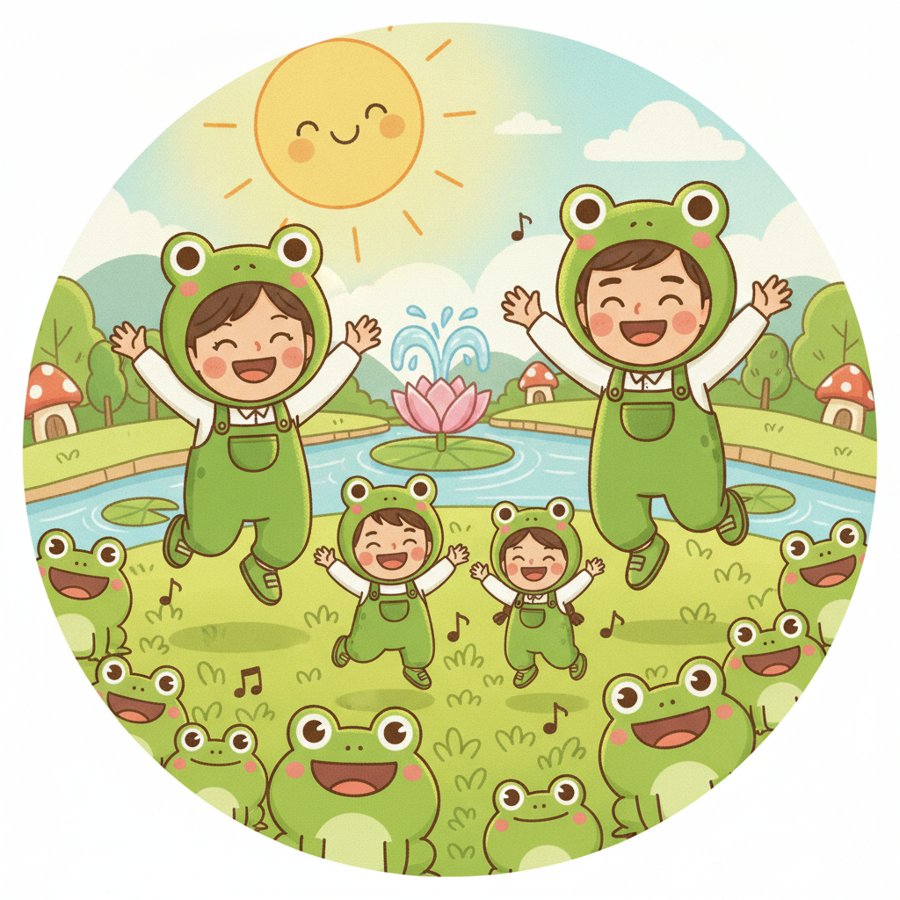
Frog Song · 개구리송
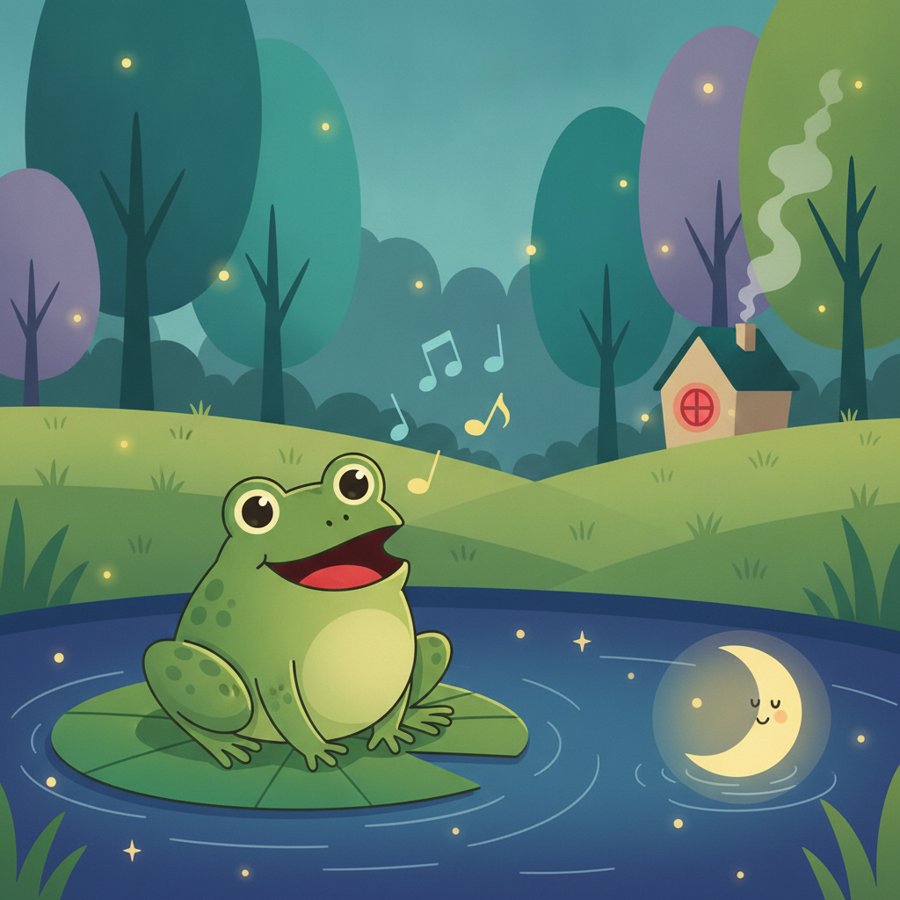
Half Moon · 반달

Frog Sounds · 개구리 소리
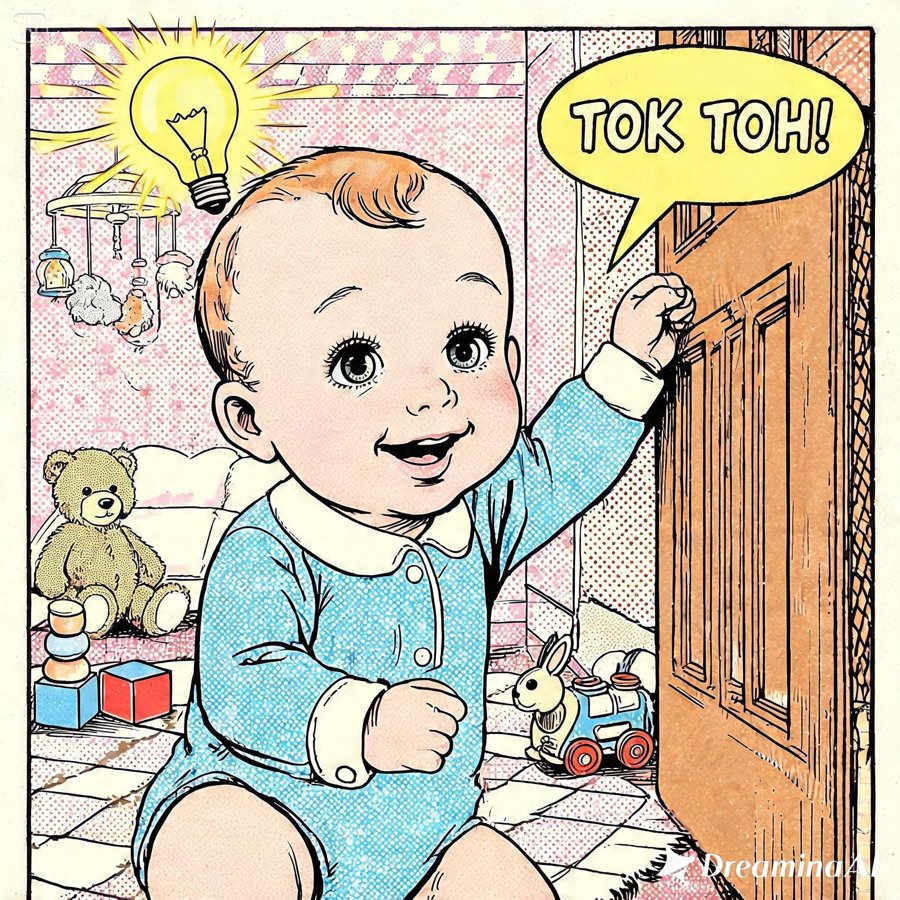
Smarty Song · 똑똑이송
Mozart’s Lullaby · 모짜르트 자장가

Miryang Arirang · 밀양아리랑
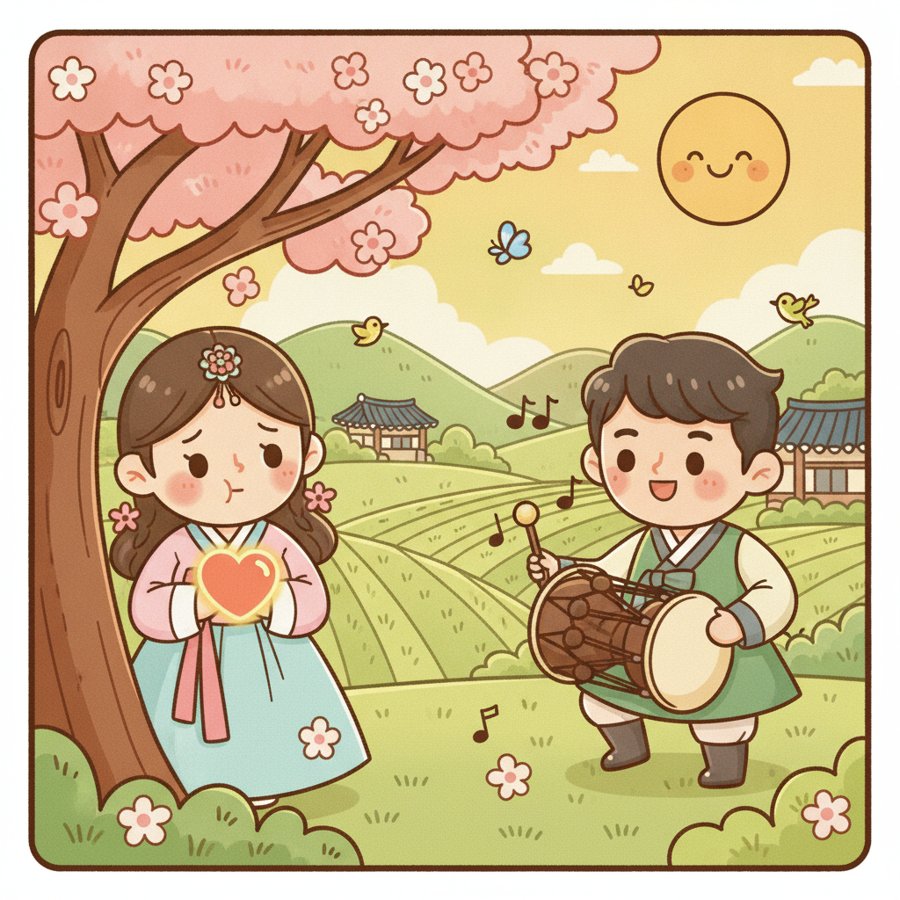
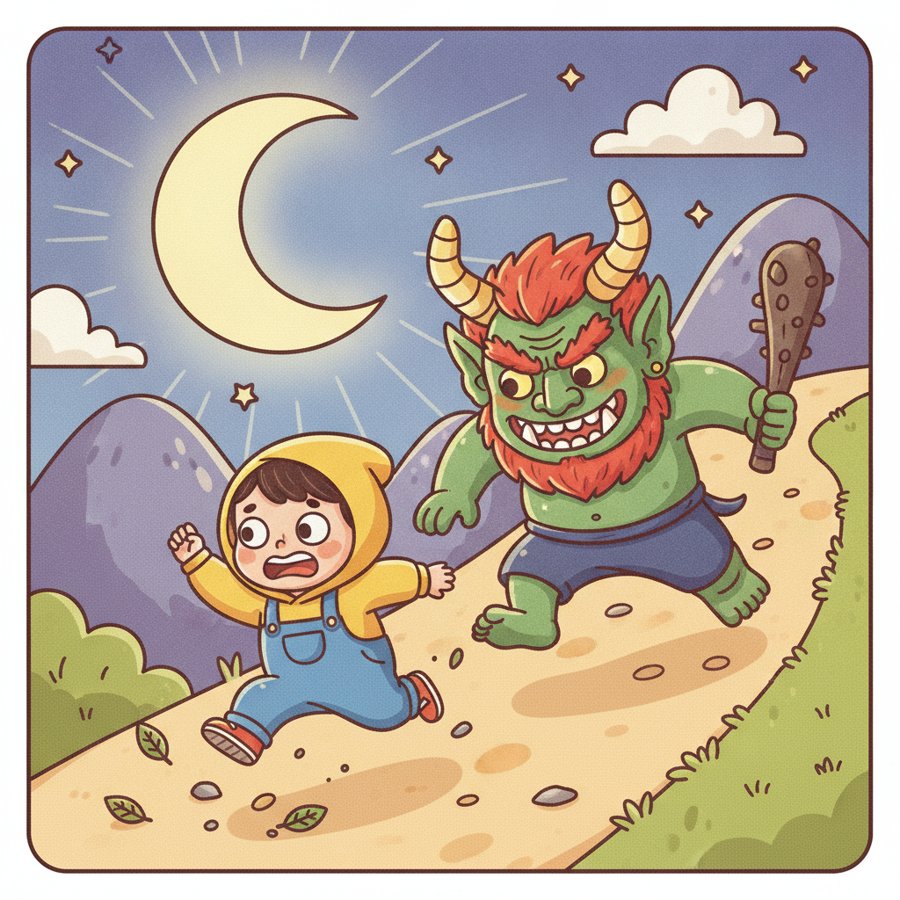
Mountain Goblin · 산도깨비
Jindo Arirang · 진도아리랑
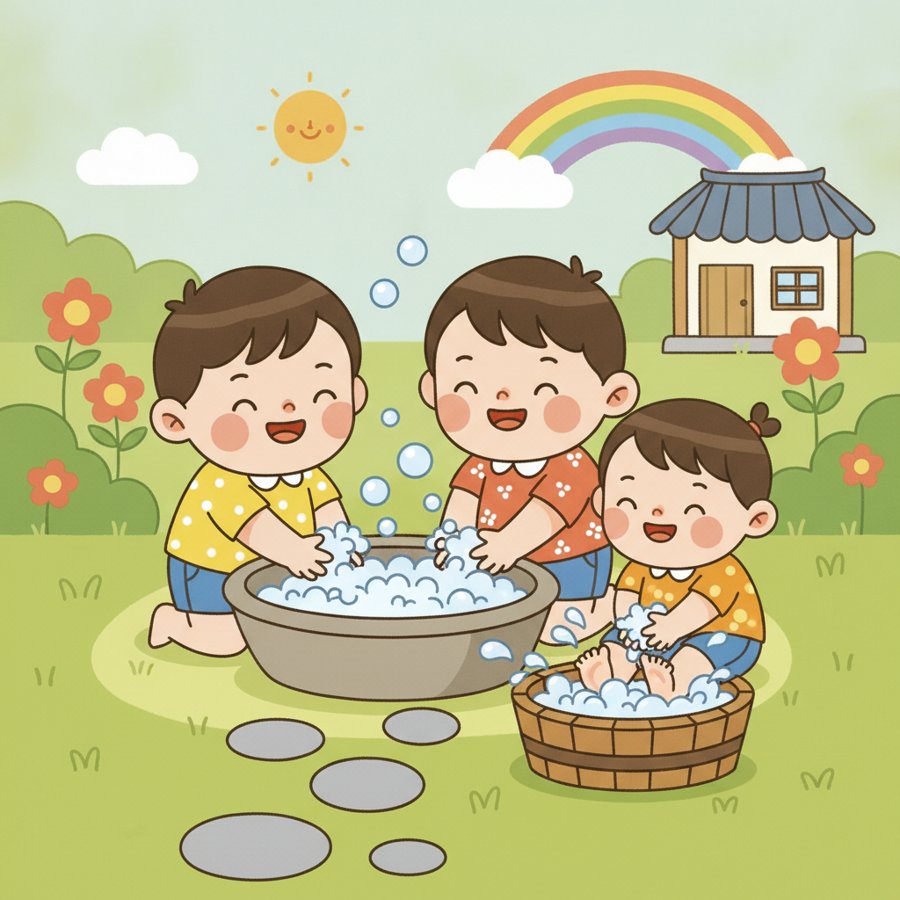
Handwashing Song · 손씻기송
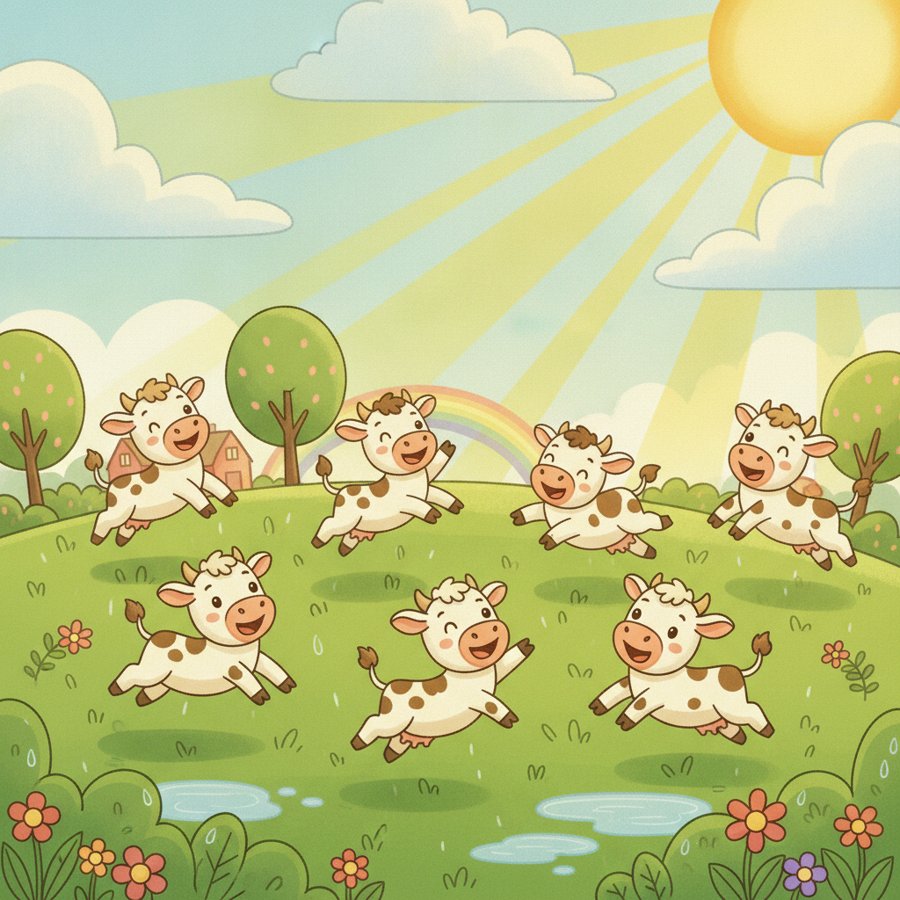
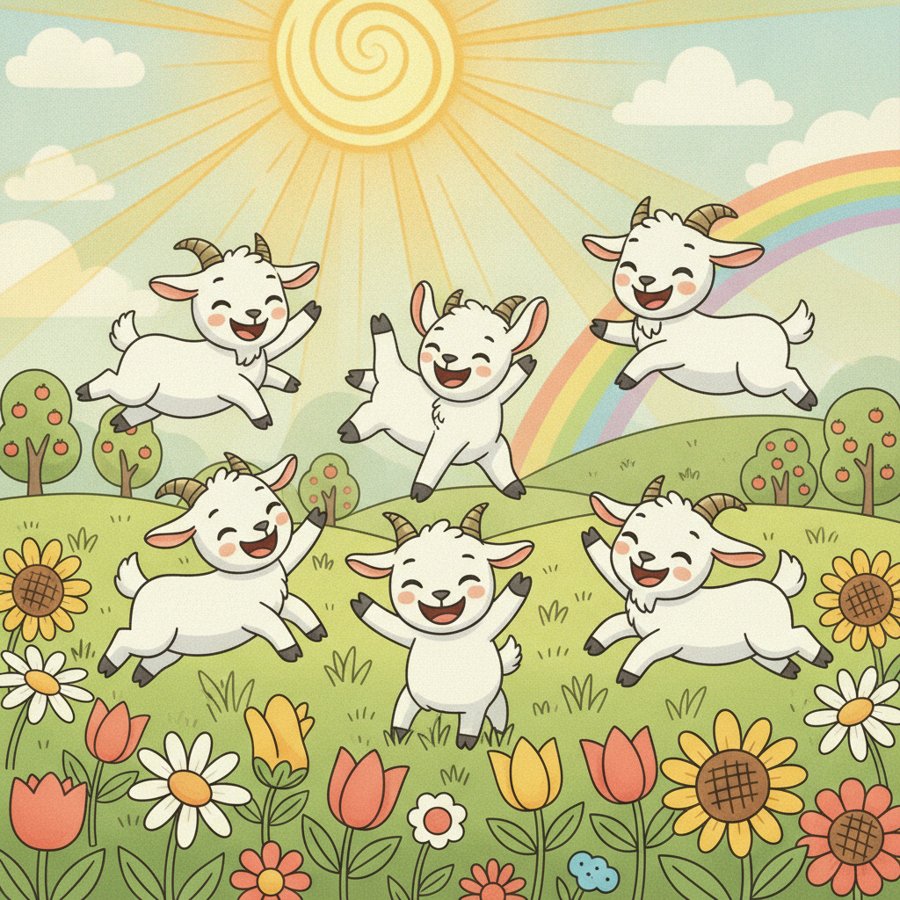
Baby Goat · 아기 염소
Baby Goat (Take Two) · 아기 염소
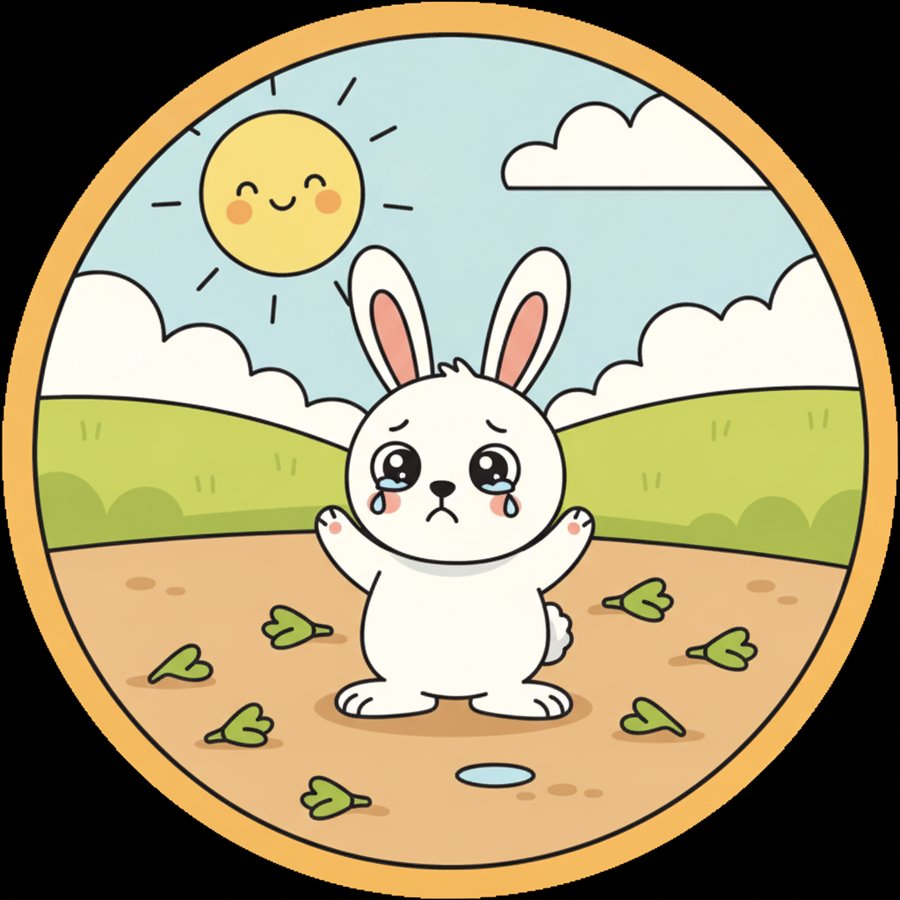
Carrot Song · 당근송
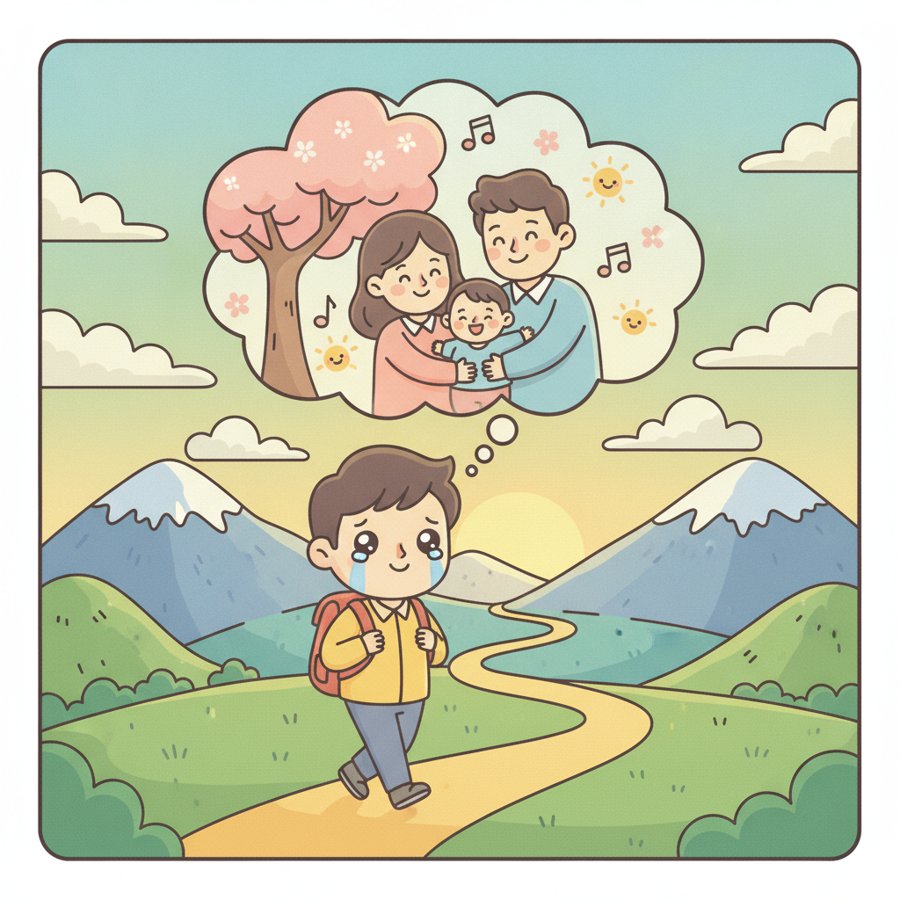
Thinking of My Brother · 오빠 생각
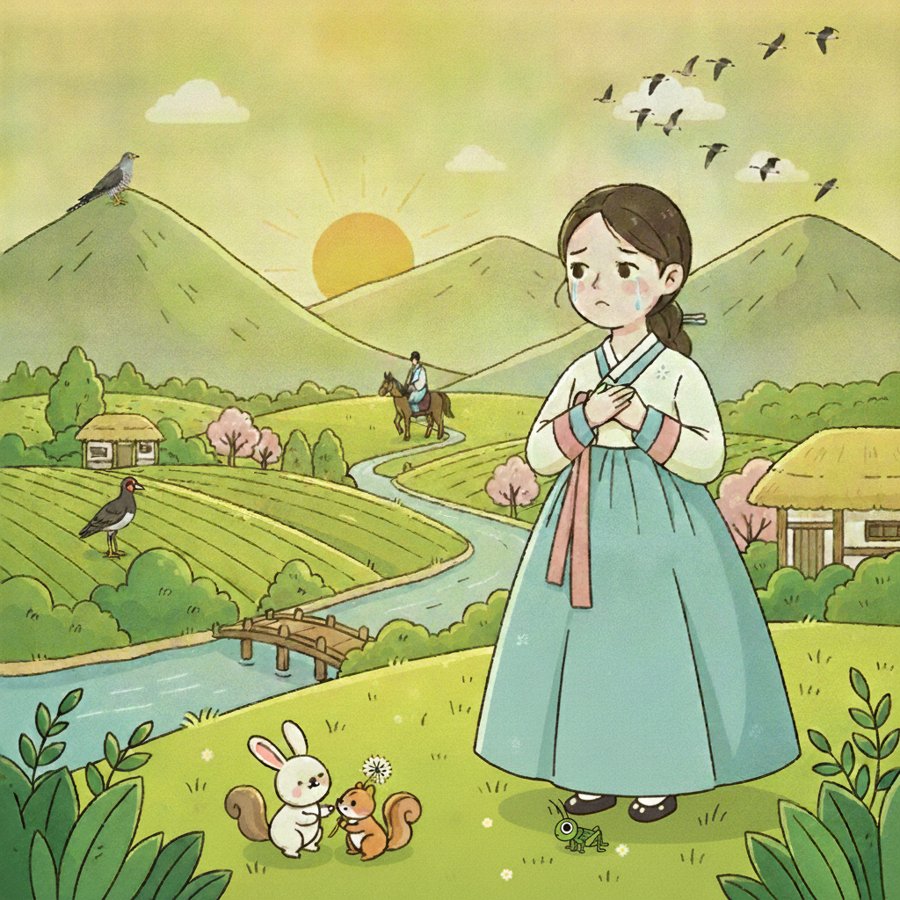 This one took five rounds to get right — the full story is in part three.
Why Did You Come to My House · 우리 집에 왜 왔니
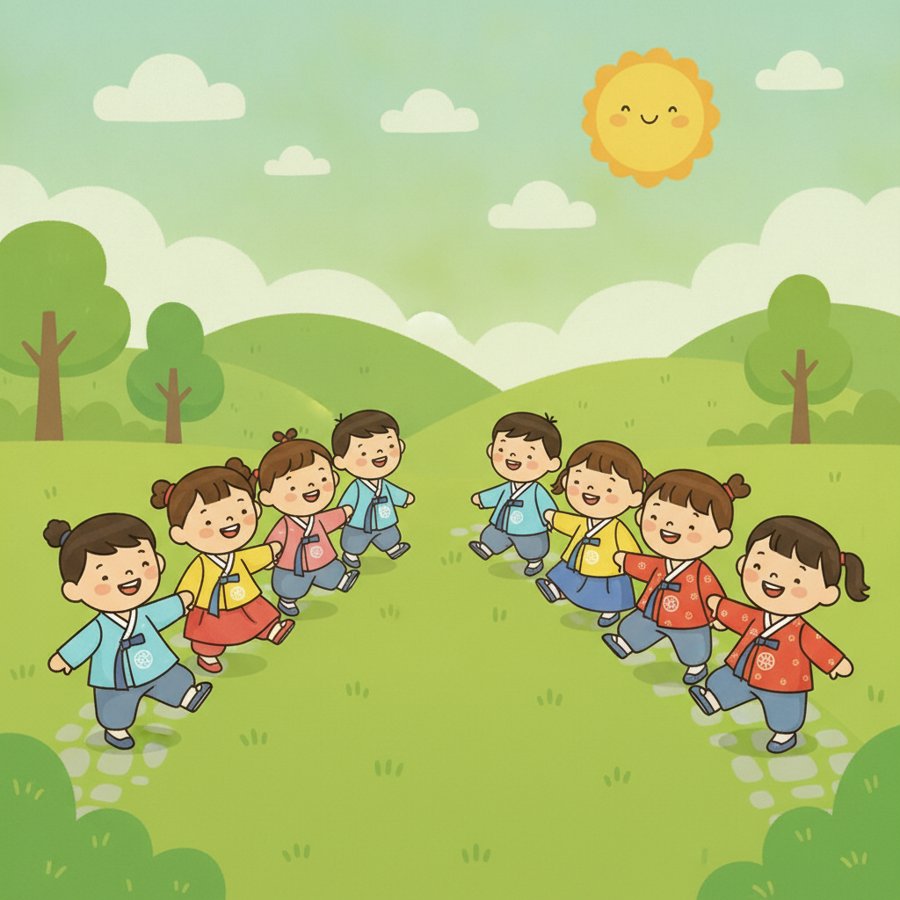
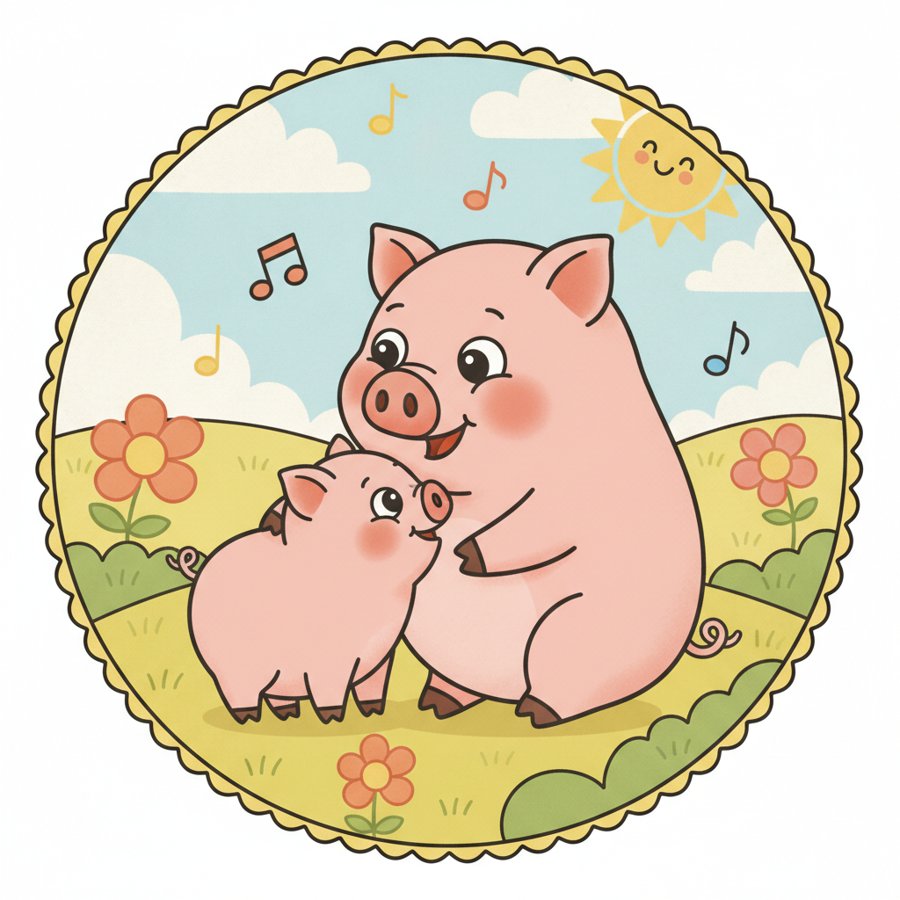
Mama Pig, Baby Pig · 엄마돼지아기돼지
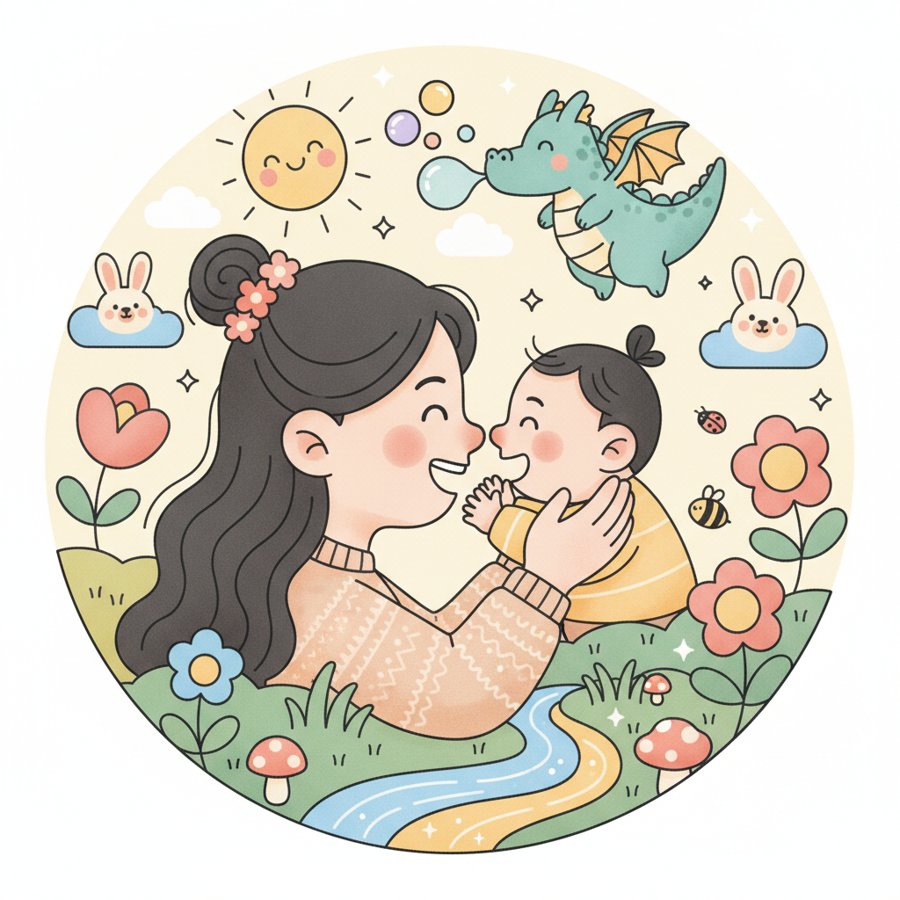
What Is This Song · 이게뭐야송
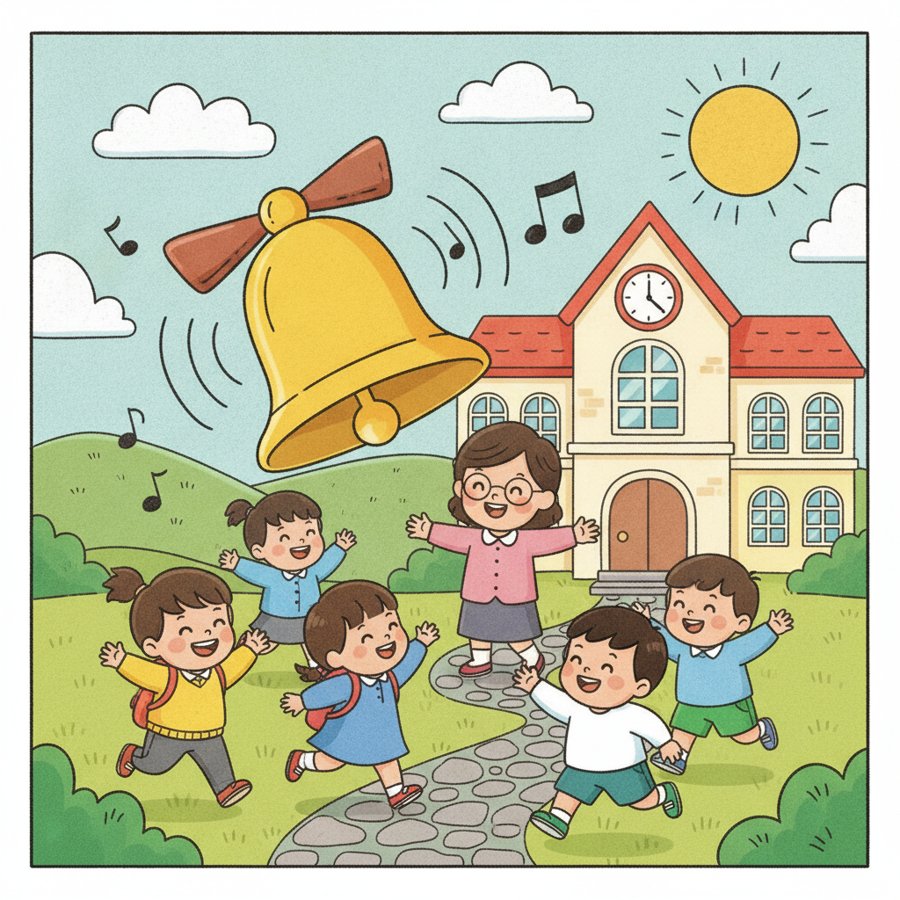
School Bell · 학교종
Again and Again Song · 또또또송
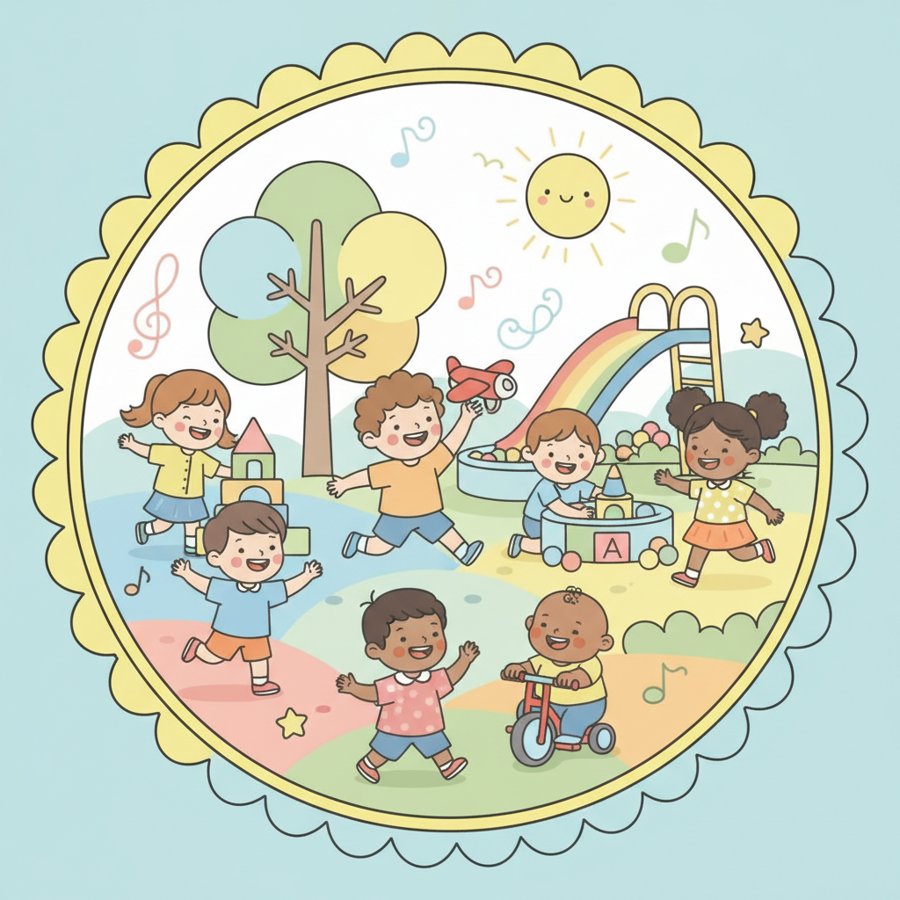
Countries Song · 나라송
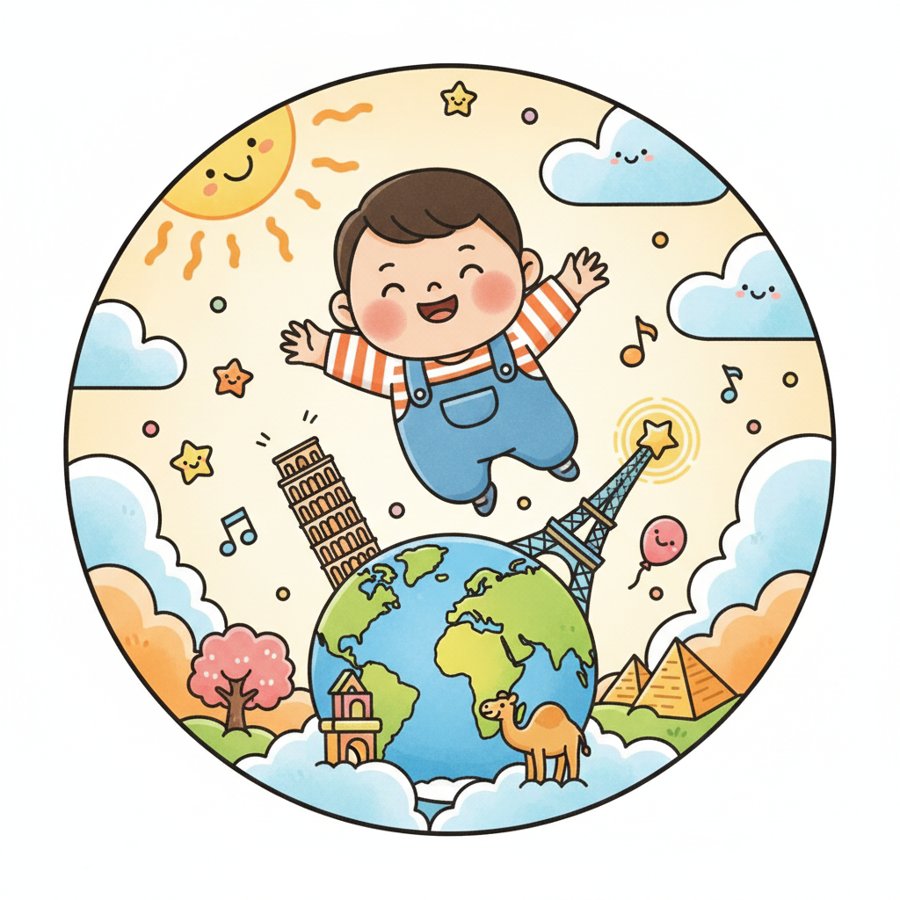
Ddolmang Song · 똘망이송
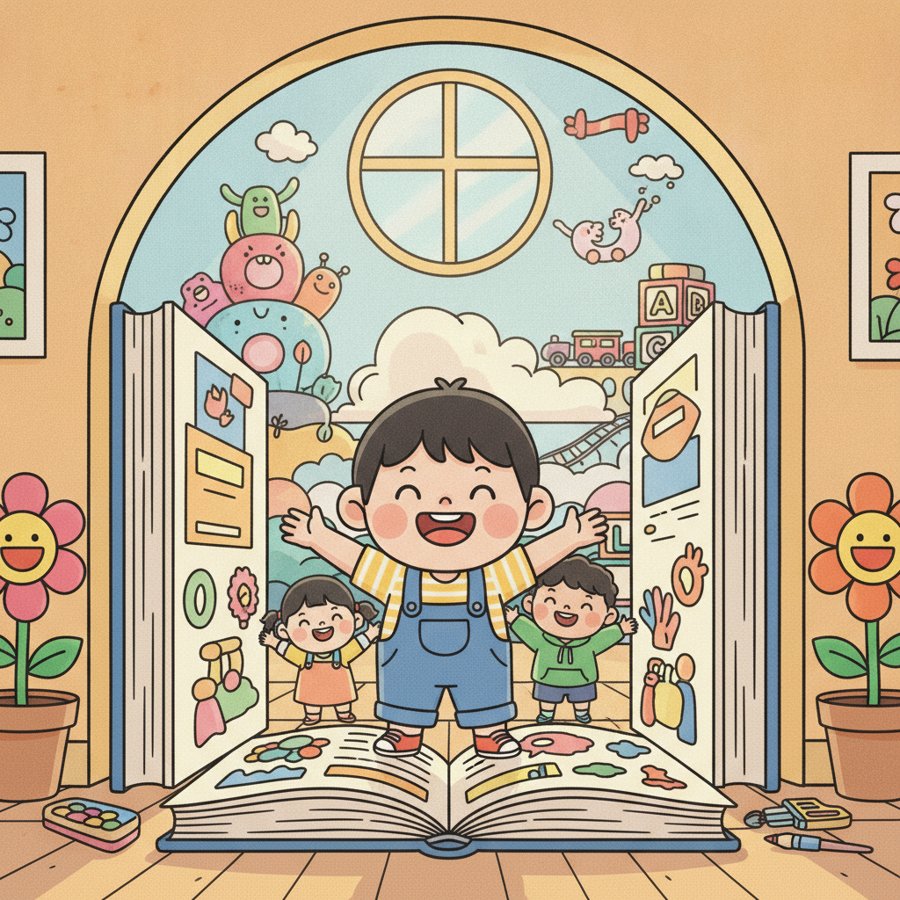
Twinkle Twinkle Little Star · 반짝반짝 작은별
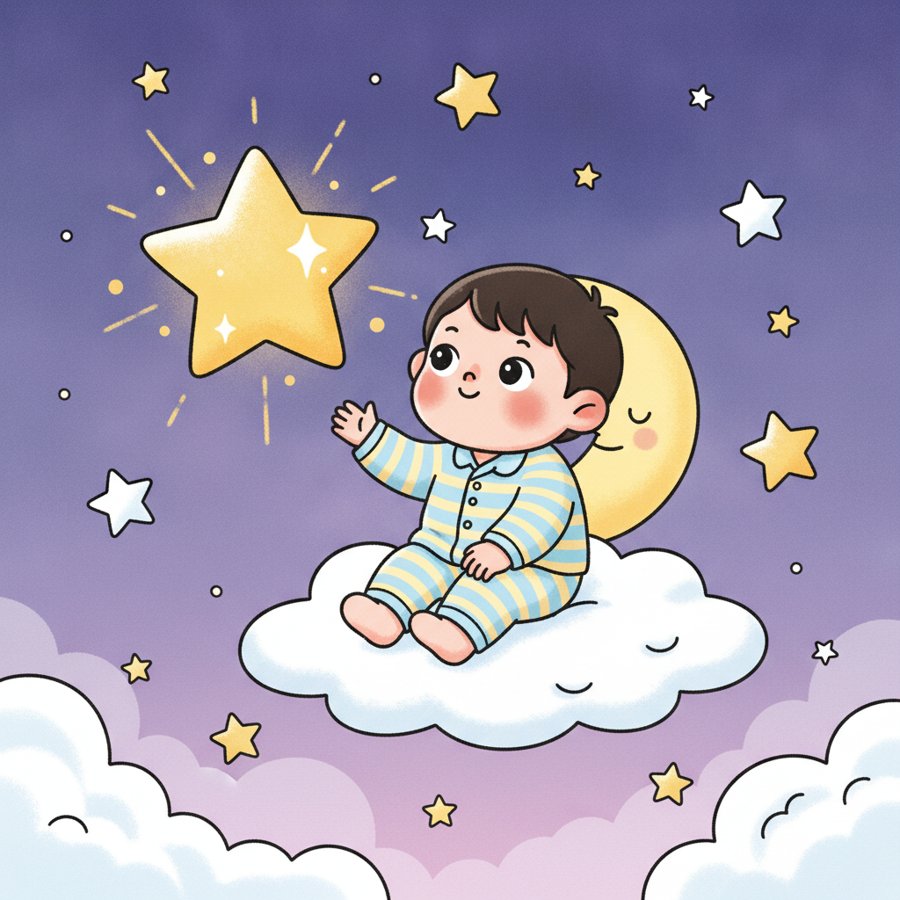
Mountain Rabbit · 산토끼
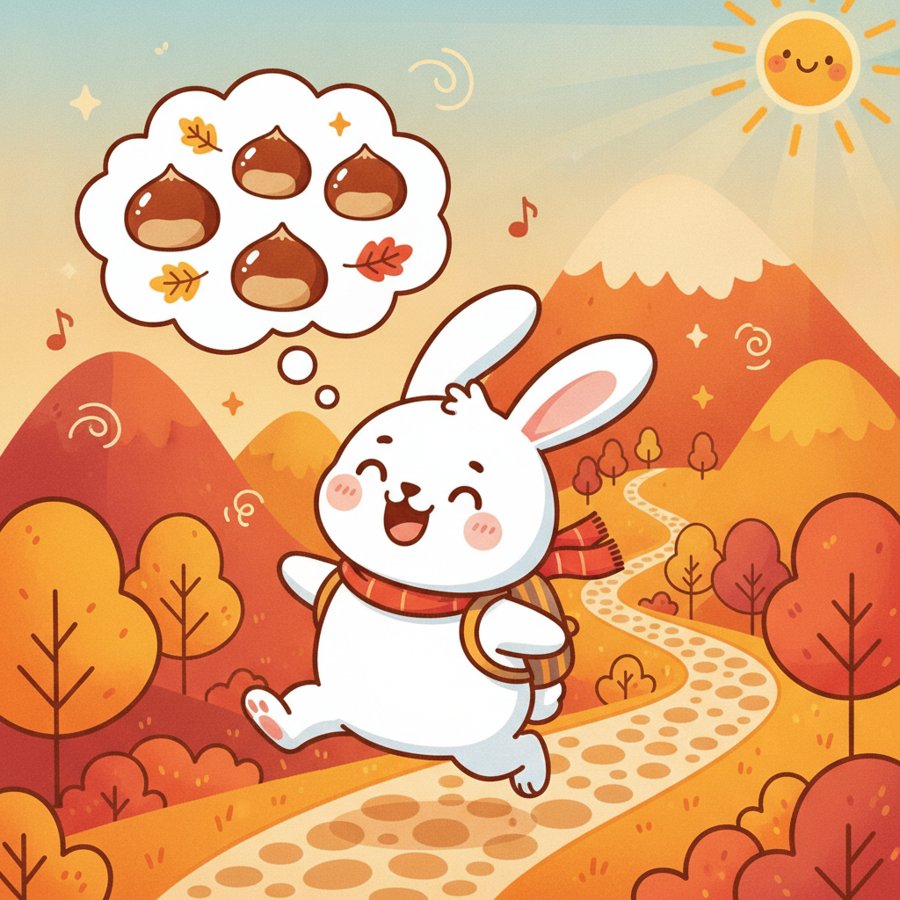
Let’s Build a Snail’s House · 달팽이집을지읍시다
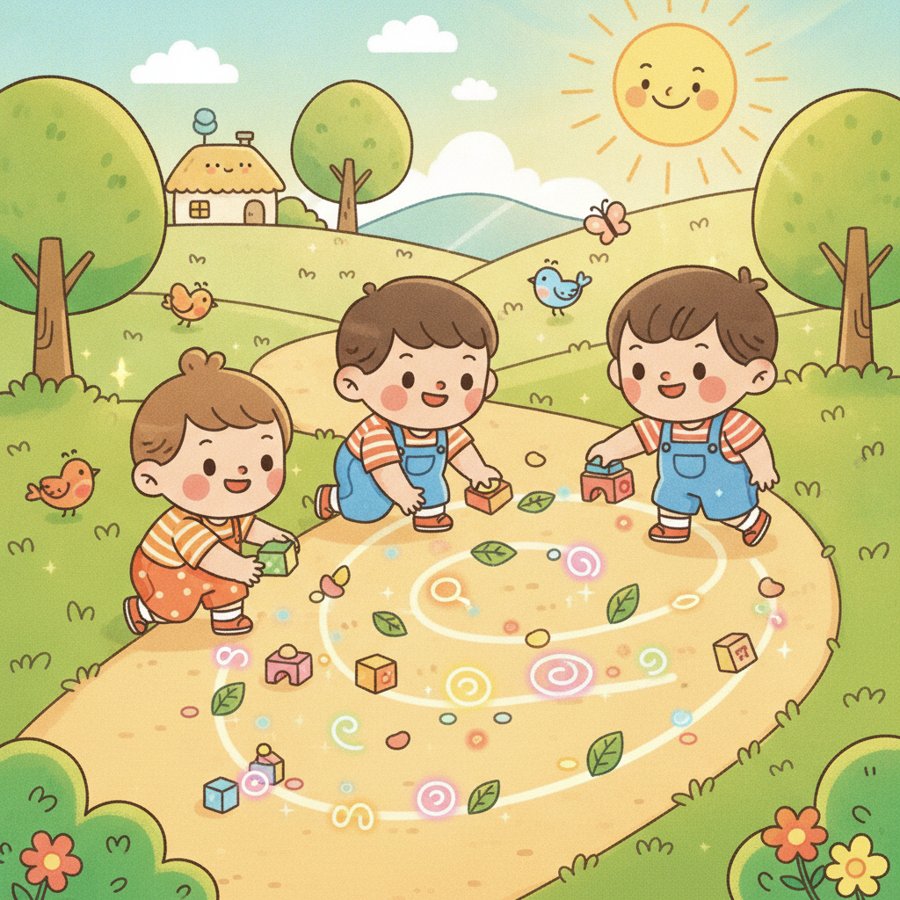
Itsy Bitsy Spider · 거미가 줄을 타고 올라갑니다
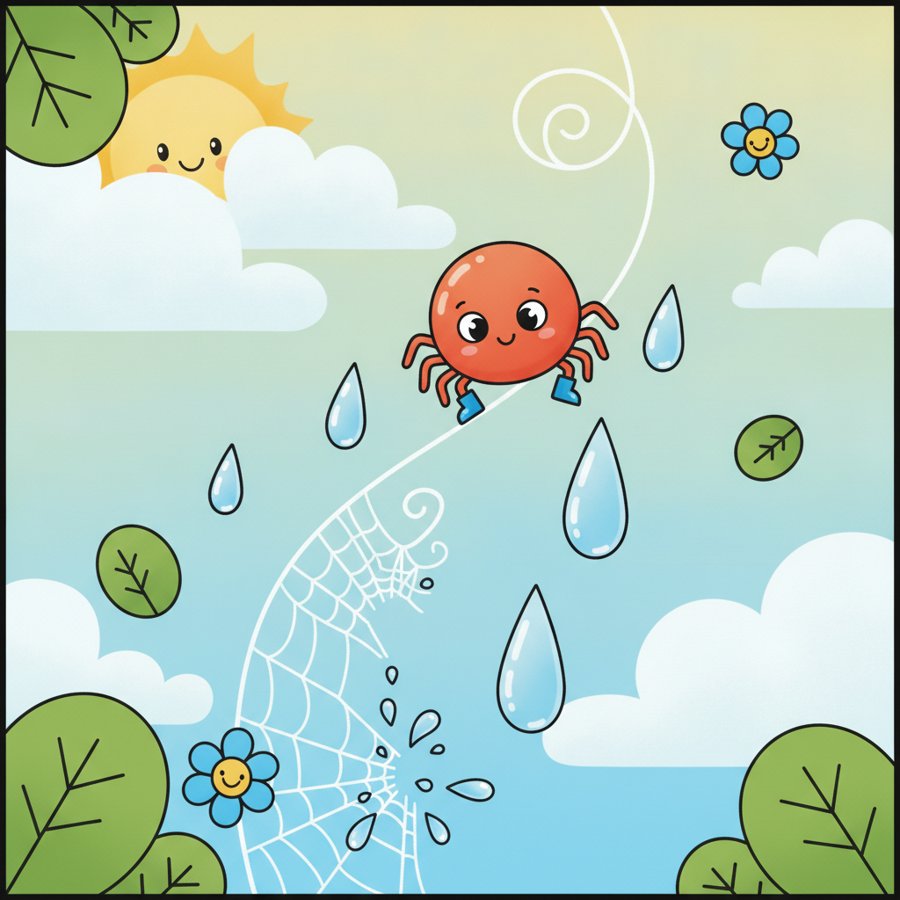
Splash Splash · 퐁당퐁당
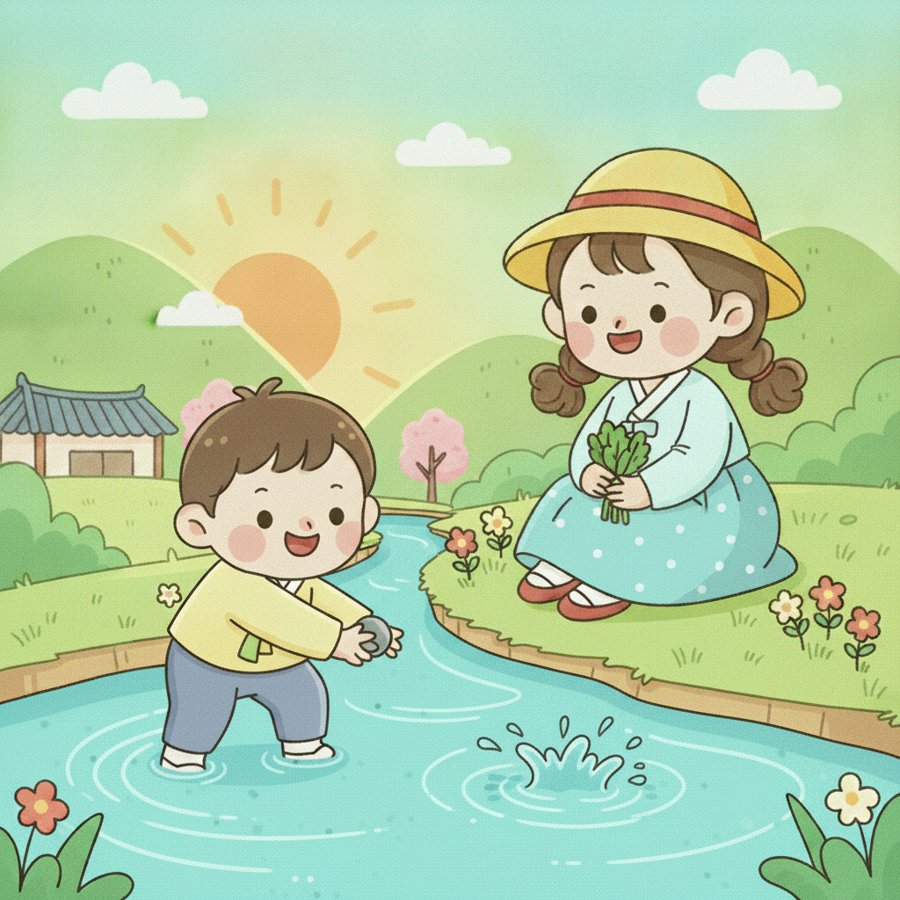
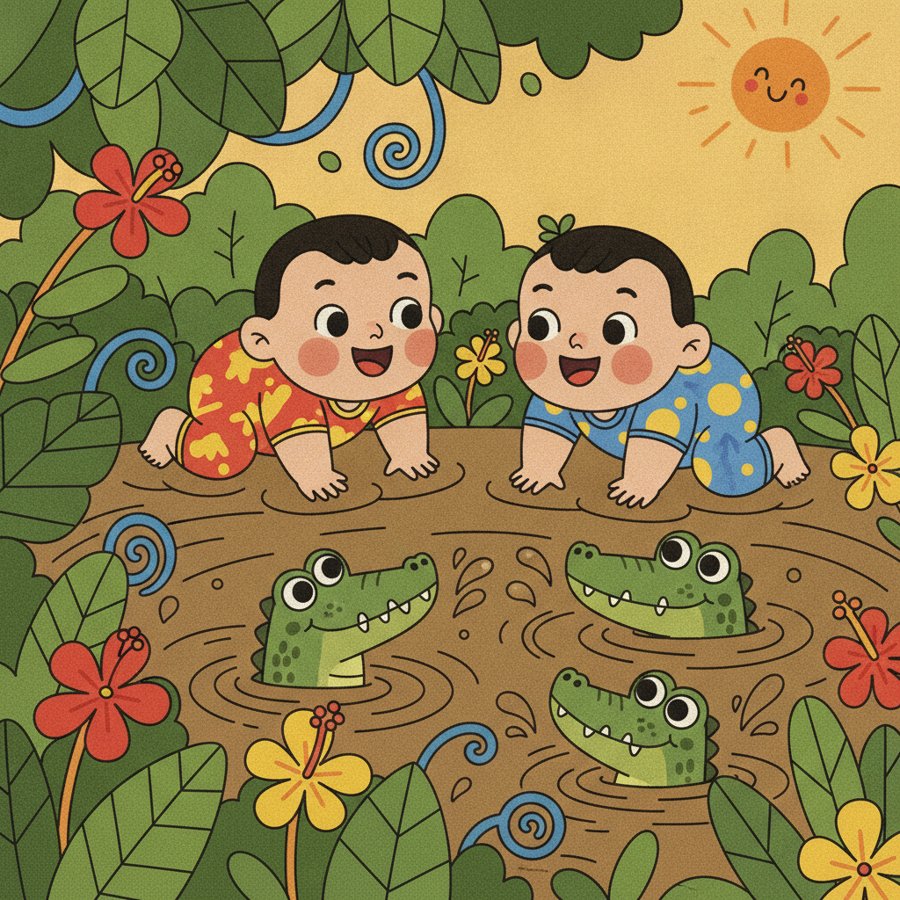
Into the Jungle · 밀림으로
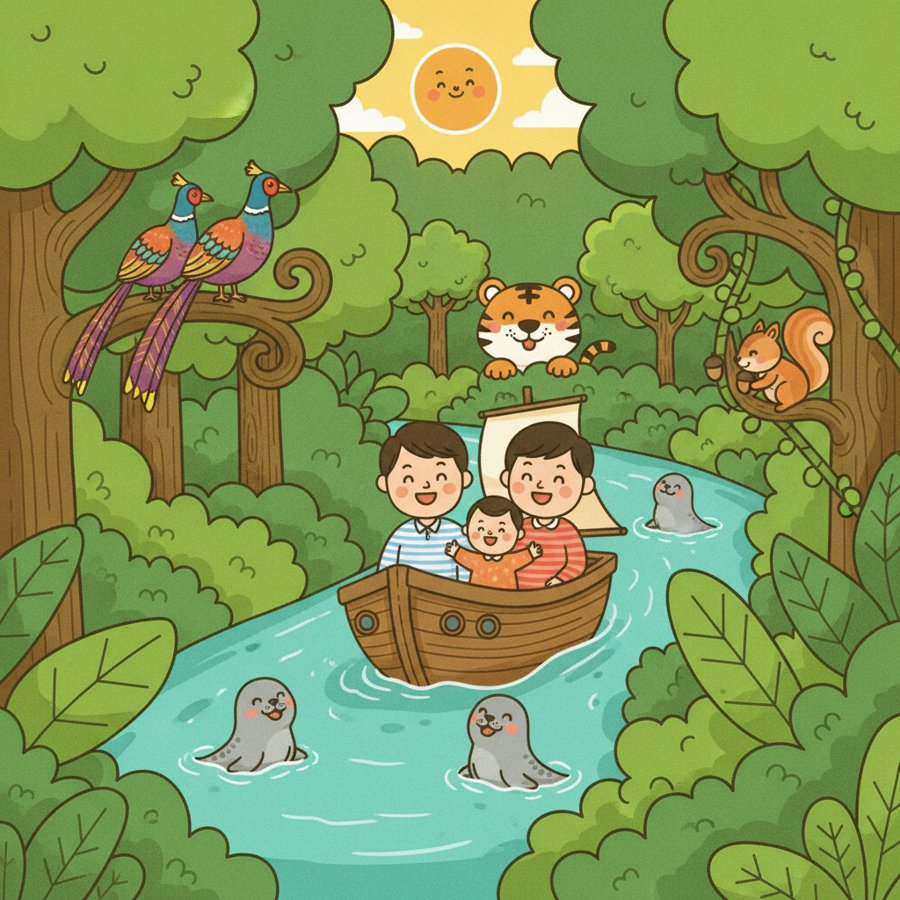
Crocodile Herd · 악어 떼
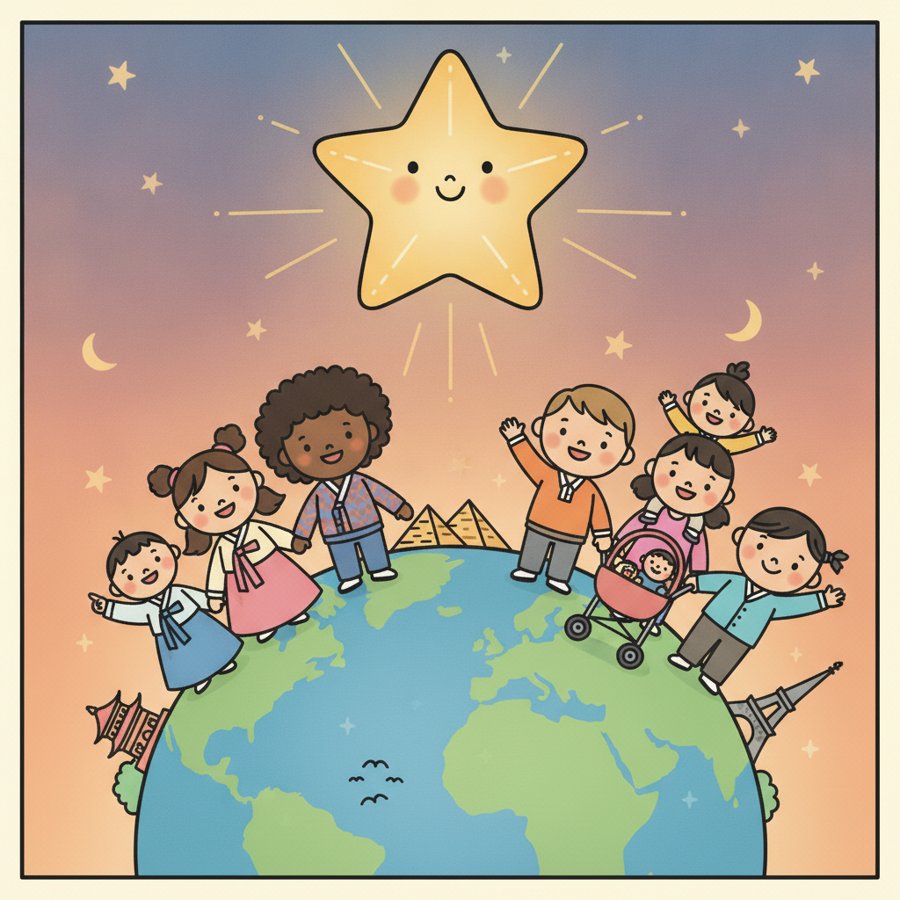
Little Star · 작은 별
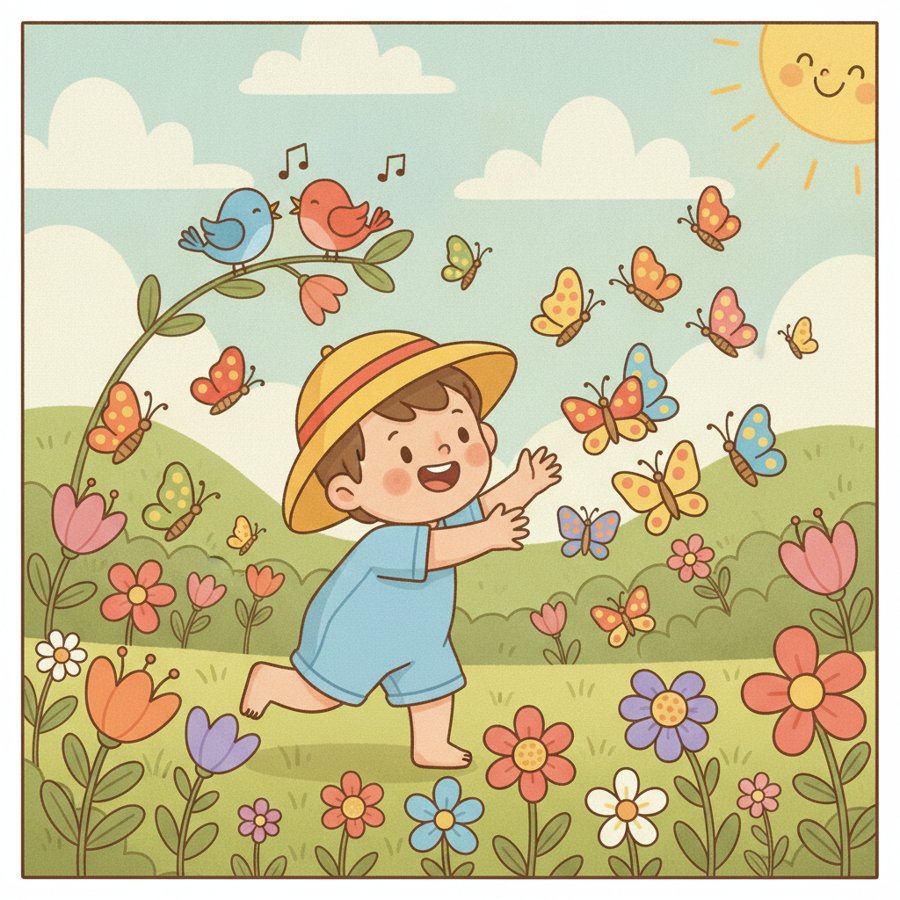
Butterfly · 나비야
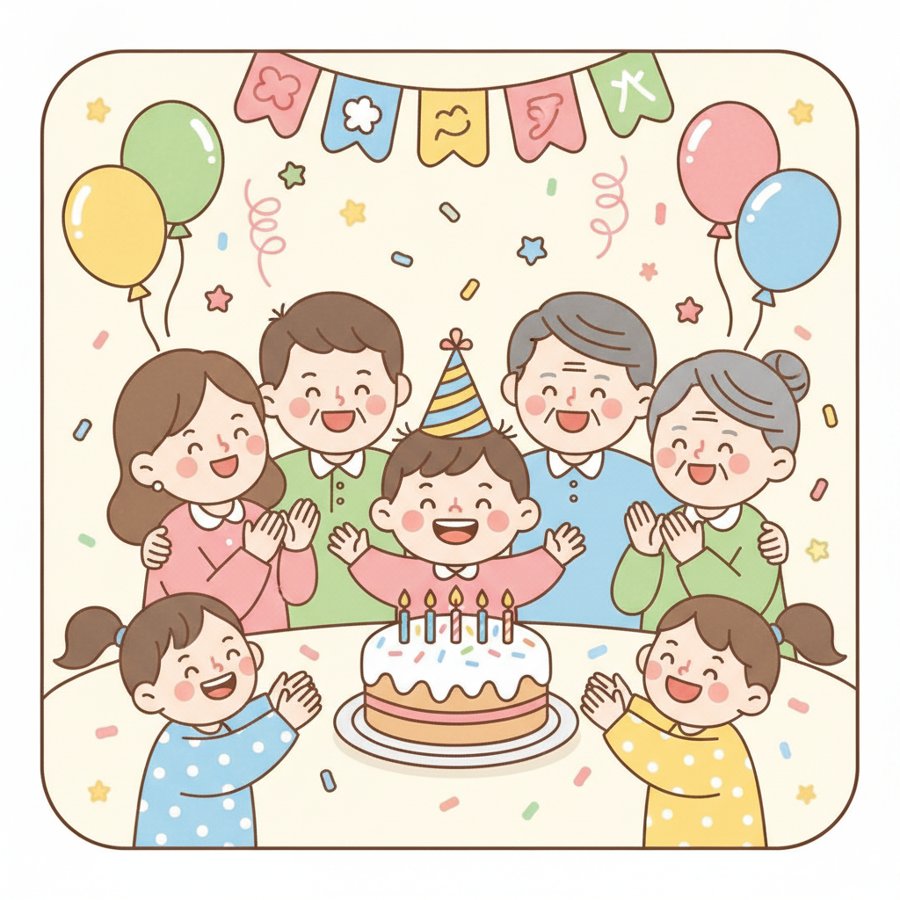
Happy Birthday · 생일축하
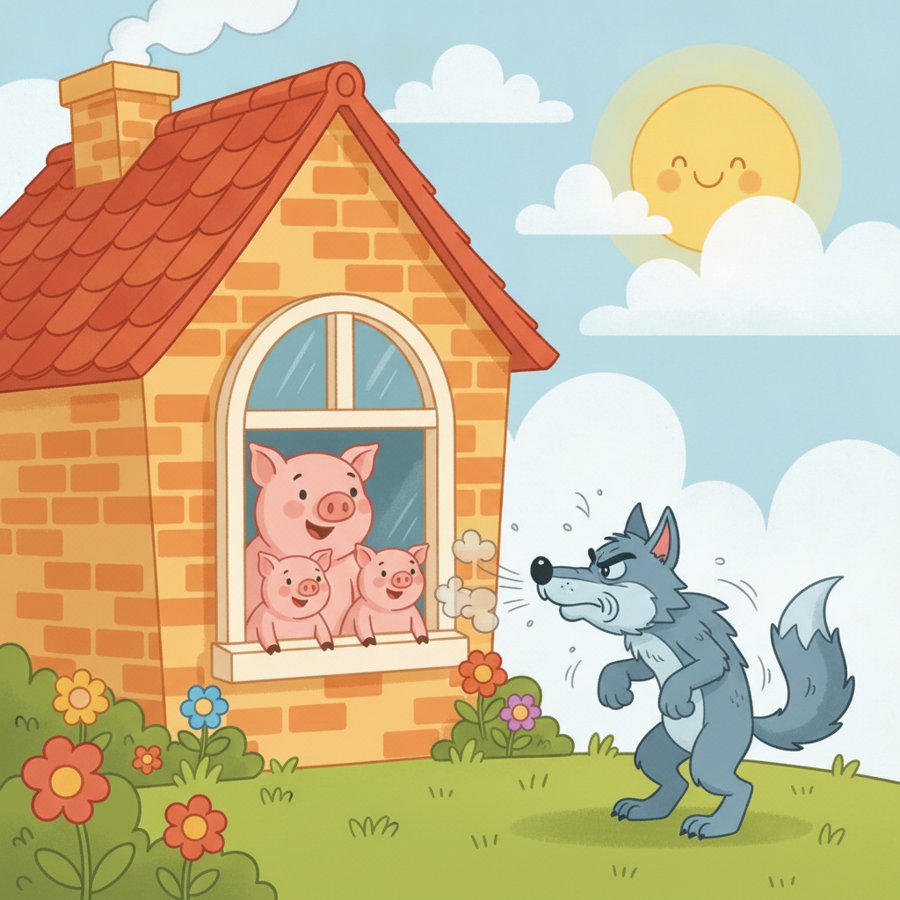
The Three Little Pigs · 아기돼지 삼형제
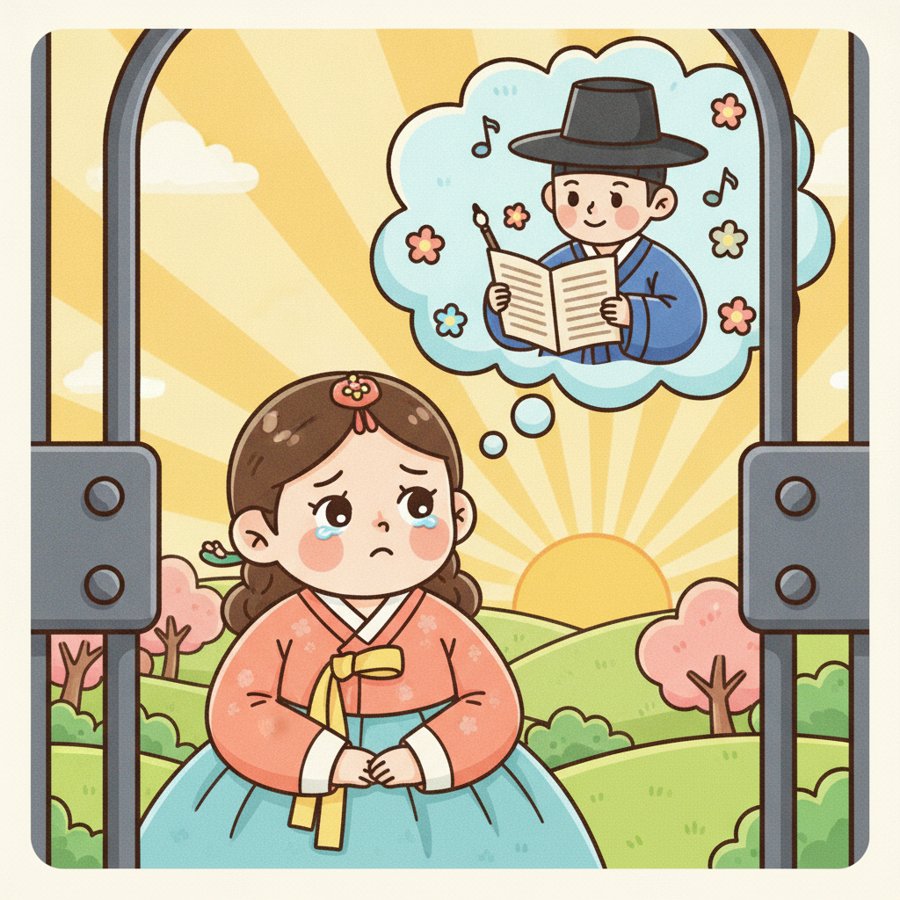
Shall We Go · 갈까부다
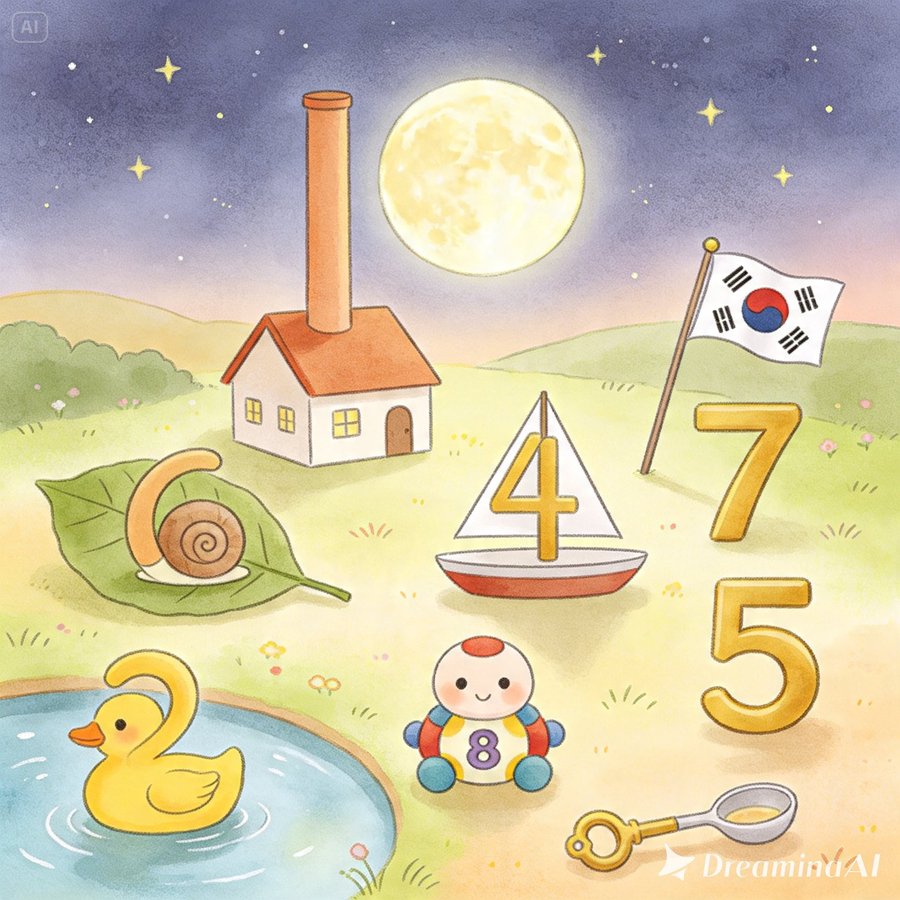
Numbers Song · 숫자노래
The Monk’s Dawn Song · 탁발승의 새벽노래

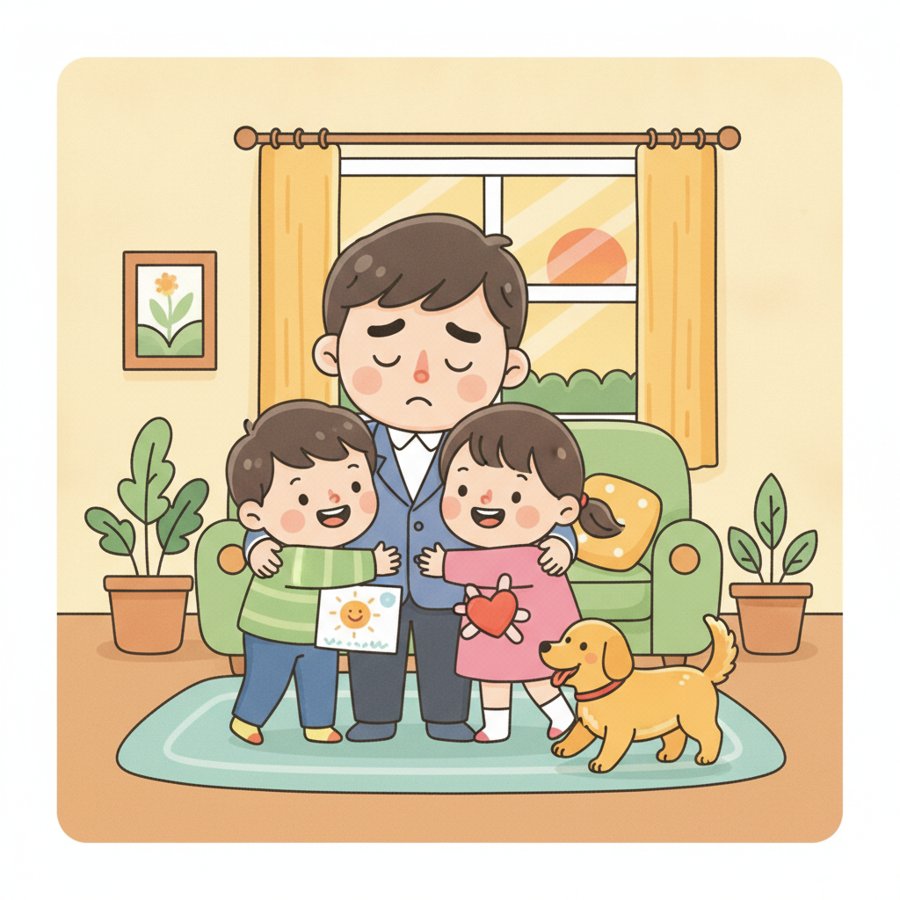
Dad, Cheer Up! · 아빠힘내세요
Little Zoo · 작은동물원
Where This Goes Next
Once this pattern worked for folk songs, it was hard not to see the next candidate: a set of Bible verses I wanted her to grow up knowing, sitting in the same kind of unreadable list. That’s part two.